
dsh-web
zhu1090093659/dsh-webDeepSeek Harness(DSH)Web 插件聚合生态包 · 一切皆插件,创意工坊分发(dsh-market.com)

Web UI 的聊天图片查看器:接管内容图片点击(Markdown 图、以 blob: URL 渲染的消息附件图、read_image 结果),打开弹层后支持以指针为中心的滚轮缩放与可编辑百分比、拖动平移、90° 旋转、带进度下载、复制为 PNG、用默认应用打开,以及会话内 ←/→ 图集浏览。
A viewer for images inside a DeepSeek Harness conversation — not a close button with a picture behind it. Zoom, pan, rotate, a gallery, download, copy, a dialog you can drag, and open-with the apps already on the machine, in one layer. Wheel, drag, and rotate update on the compositor once per frame; the next image is decoded before it is shown, so a page turn does not flash at the wrong size. It replaces the stock preview that only offers Close.
English | 中文
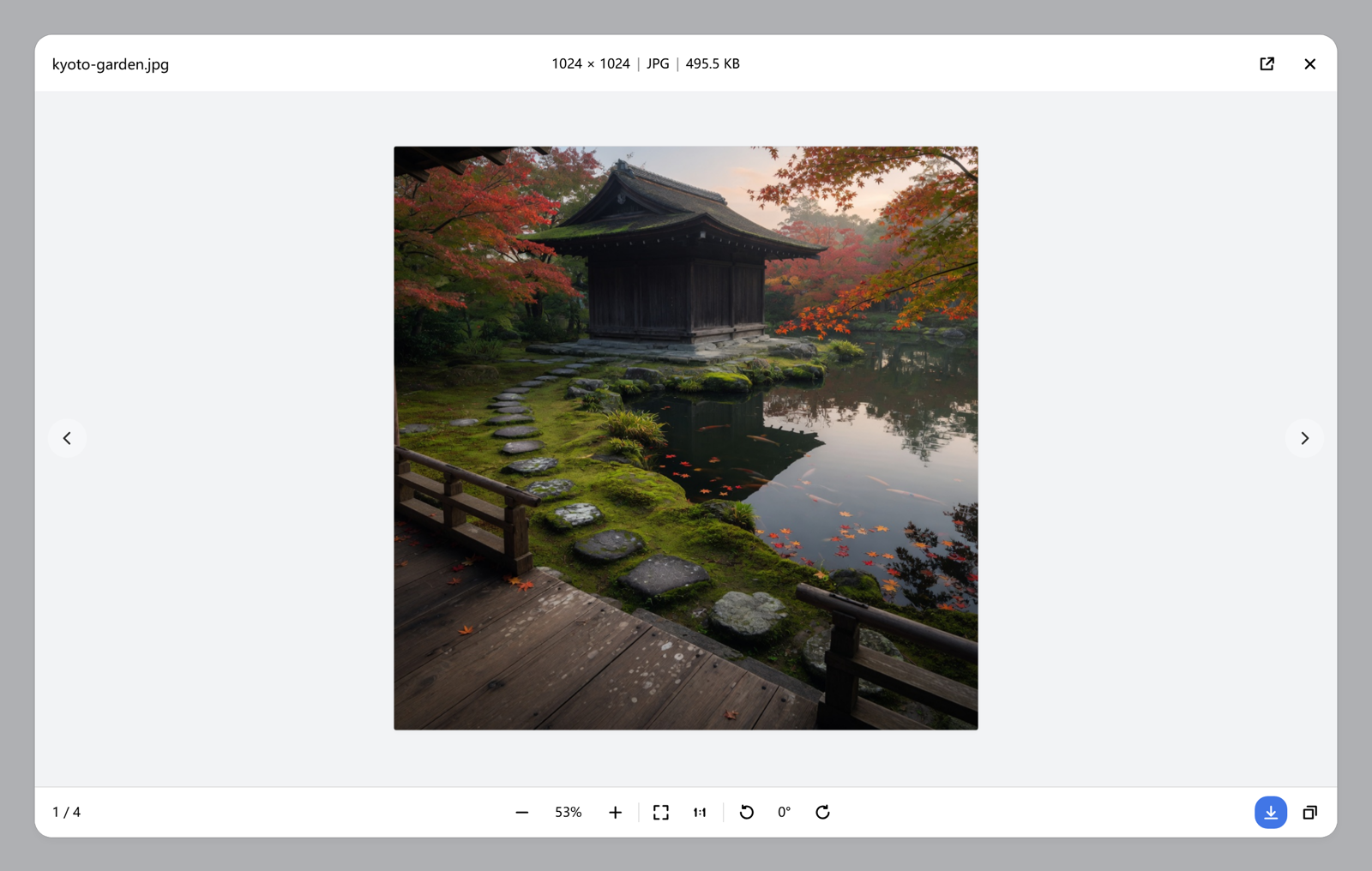
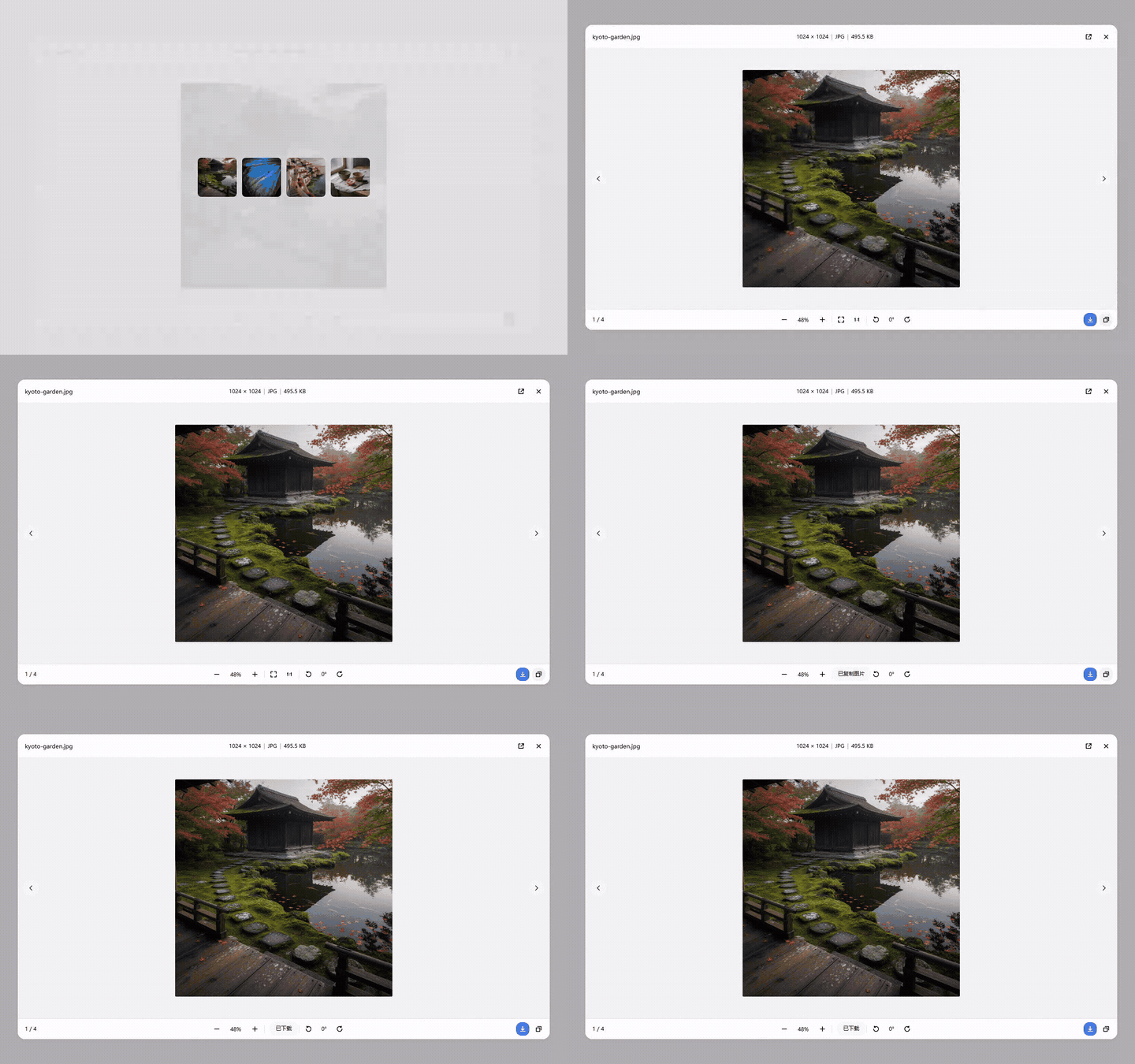
The pictures below are the real viewer, opened on photographs made for this page. The GIF plays on GitHub; the MP4 link is the same take.
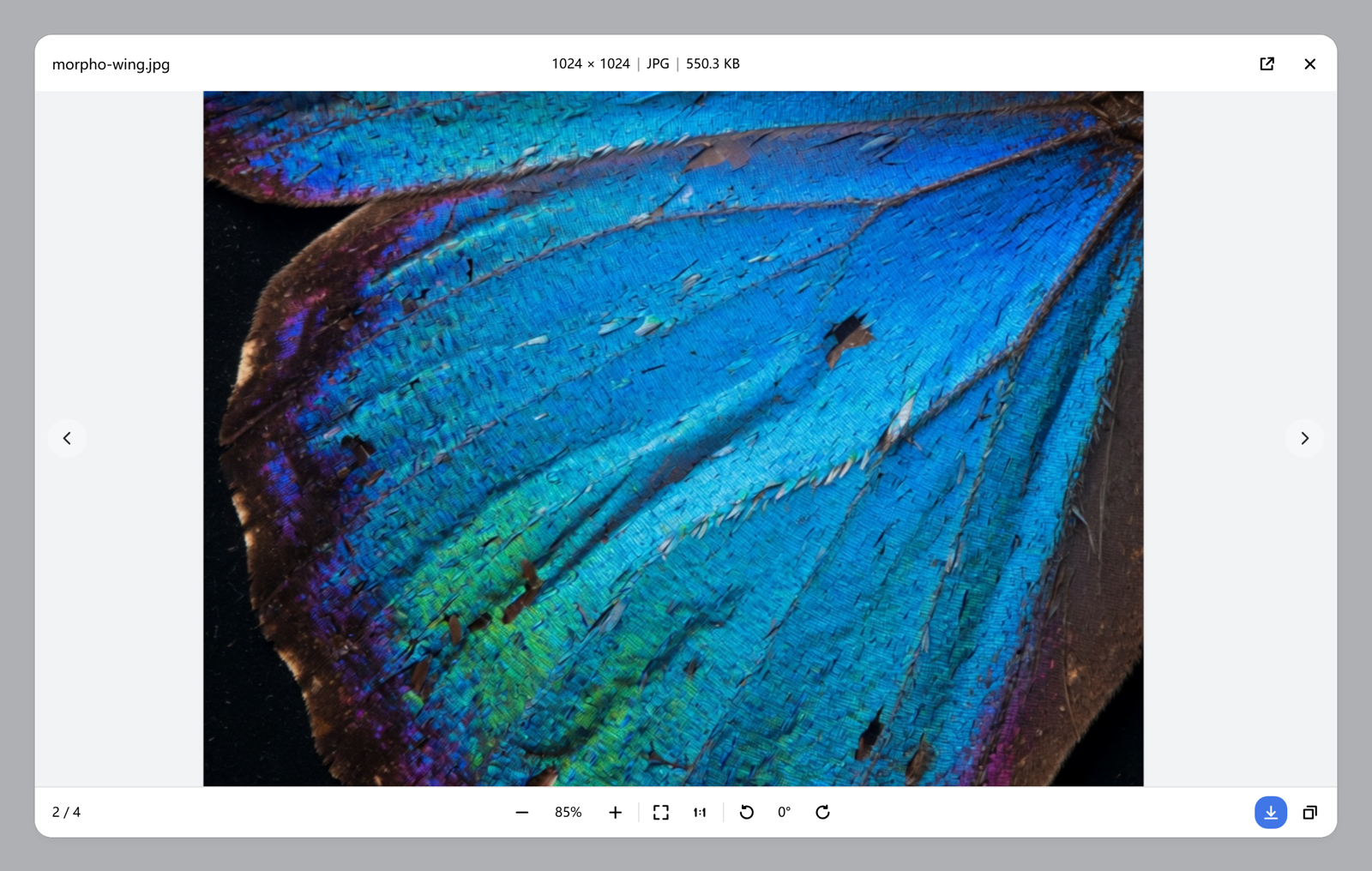
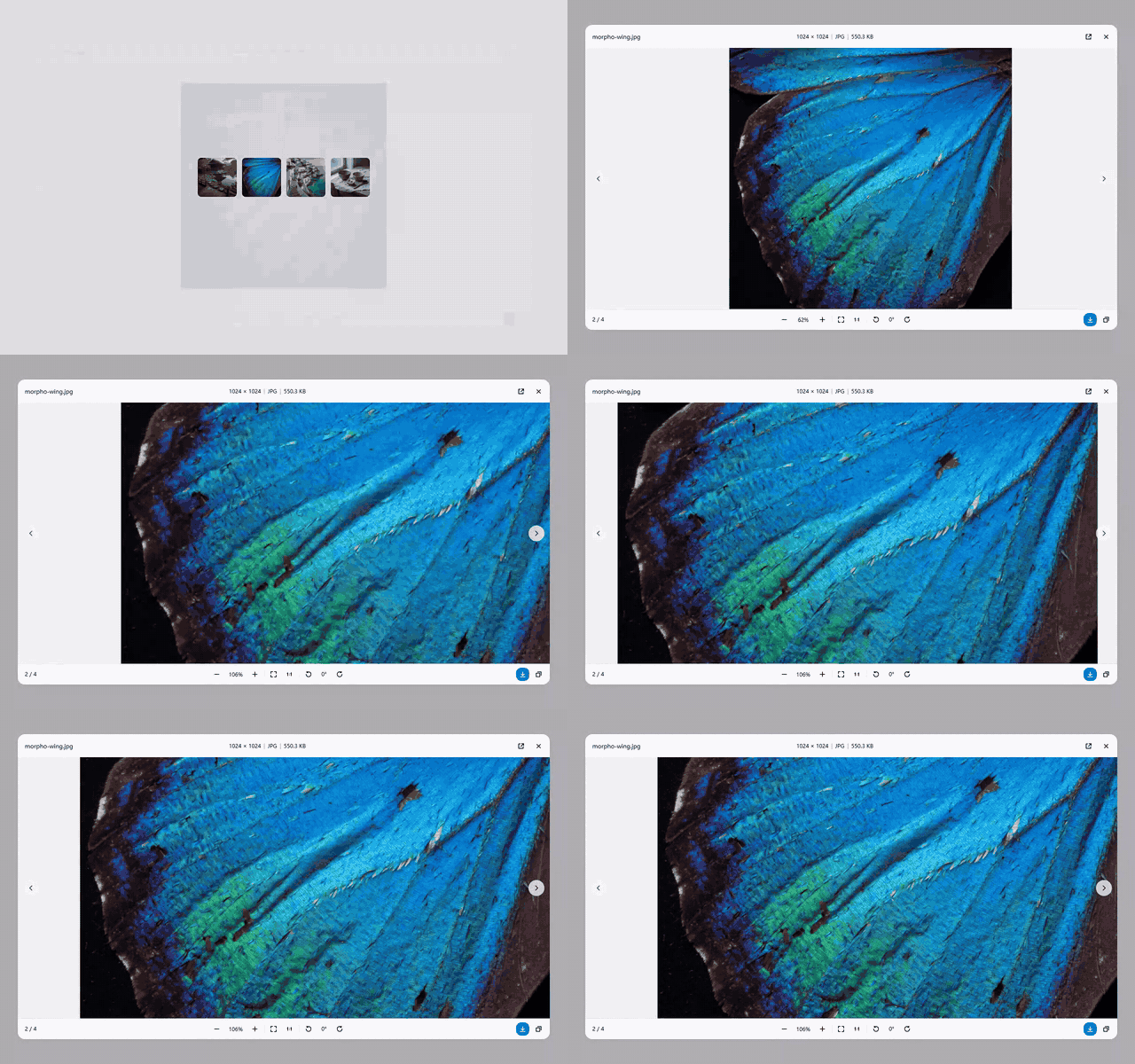
Zoom and pan. The wheel zooms around the pointer; dragging moves the picture.
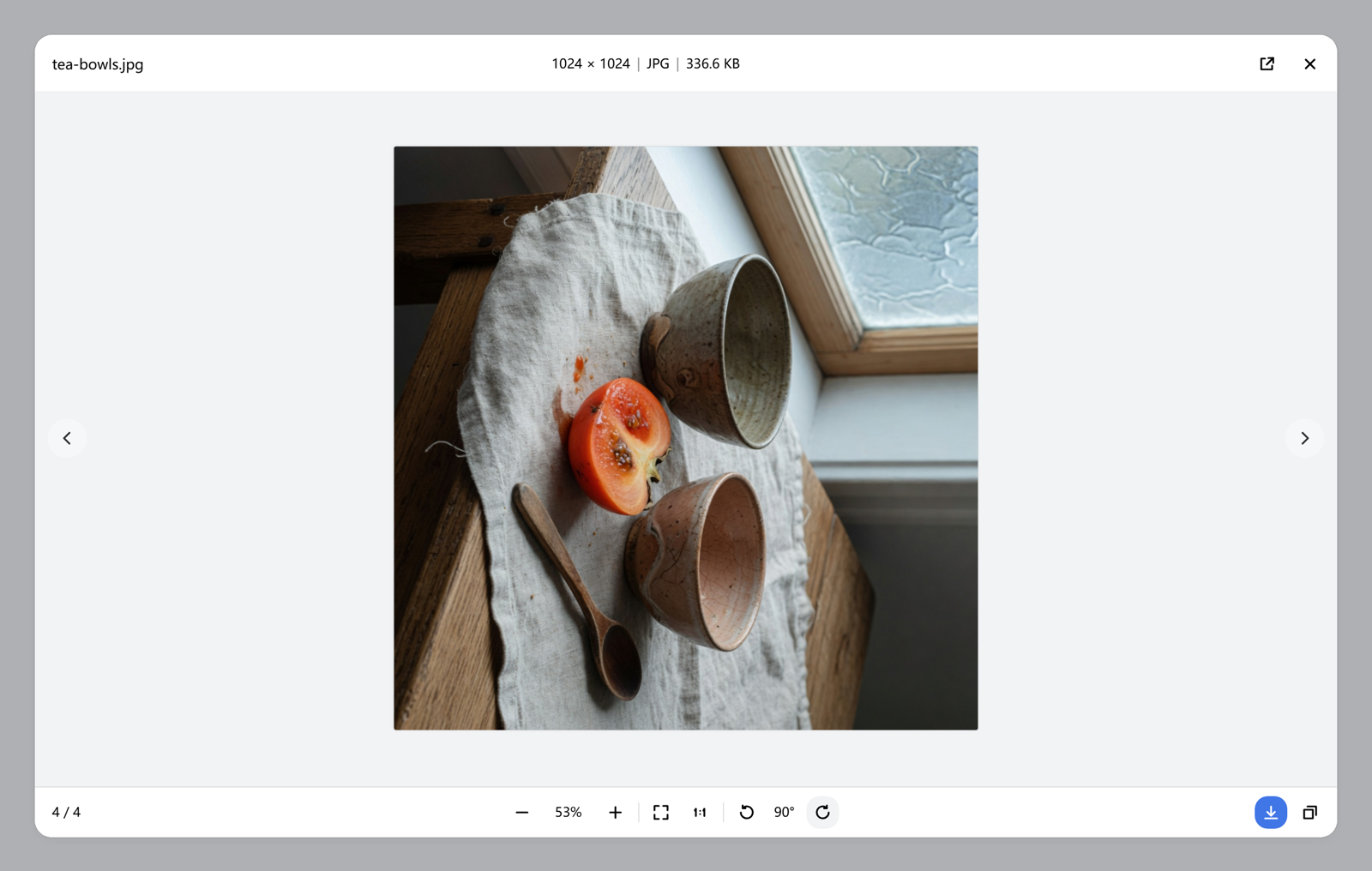
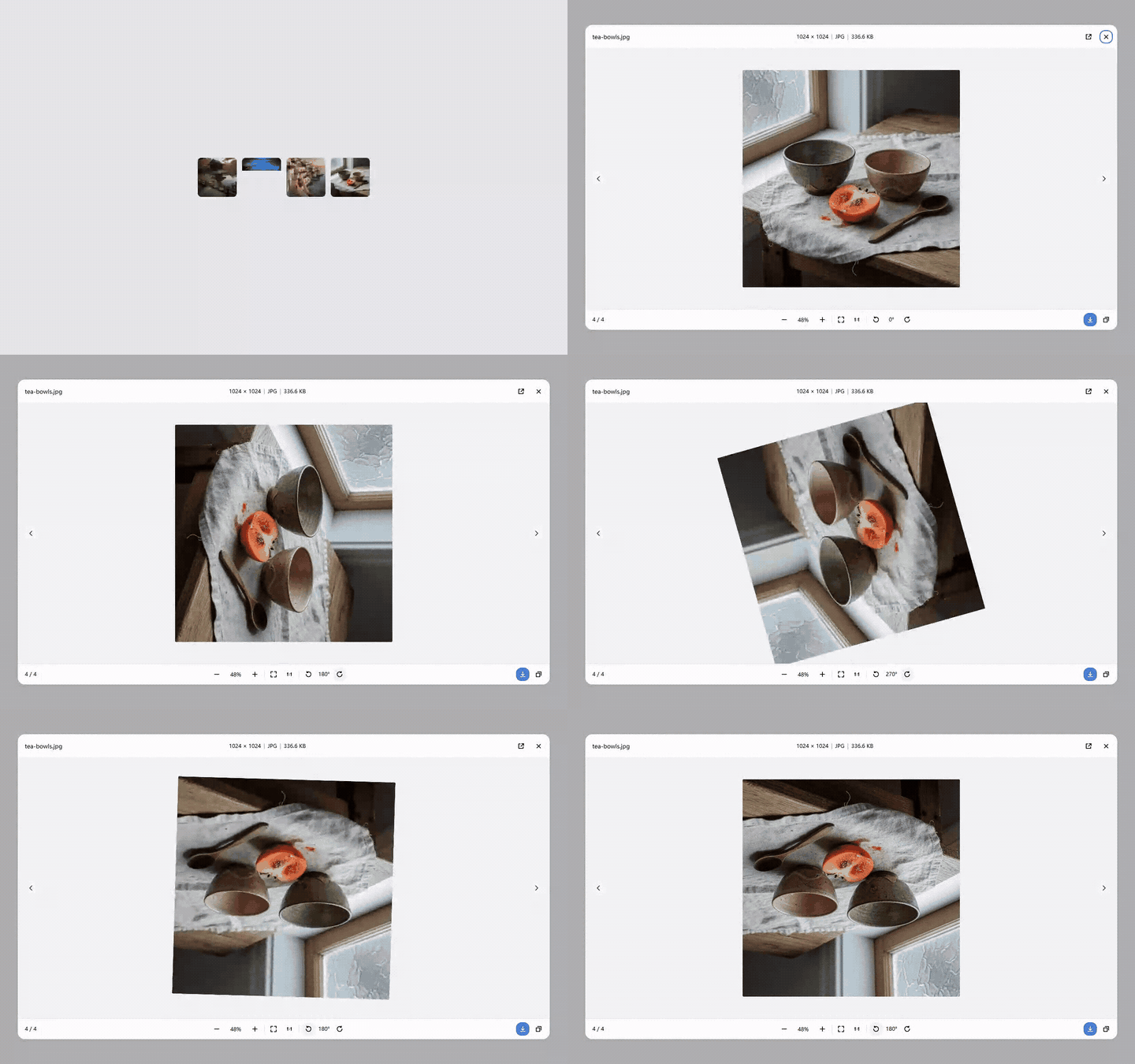
Rotate. Each click turns 90°. The footer shows the angle.
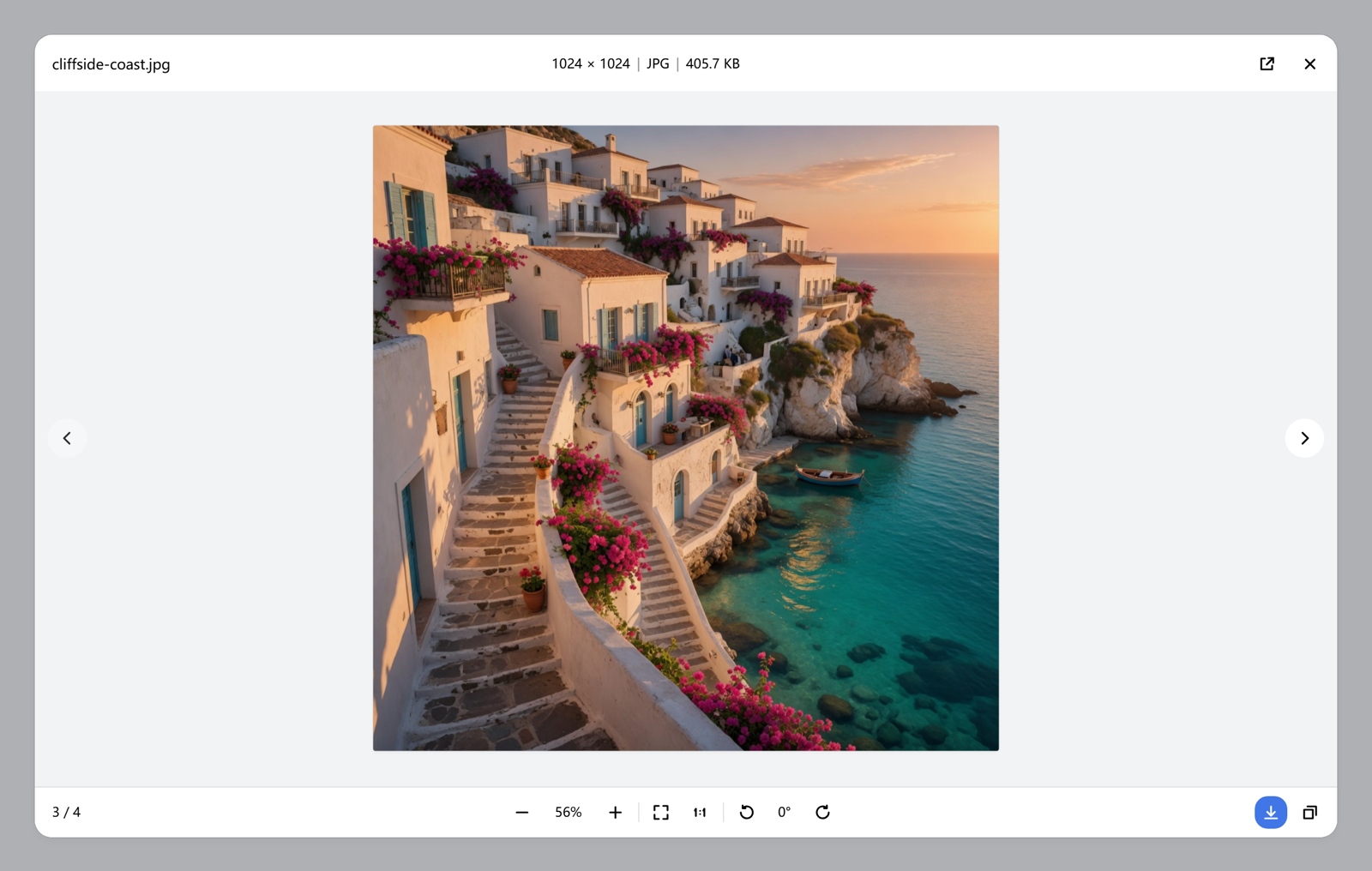
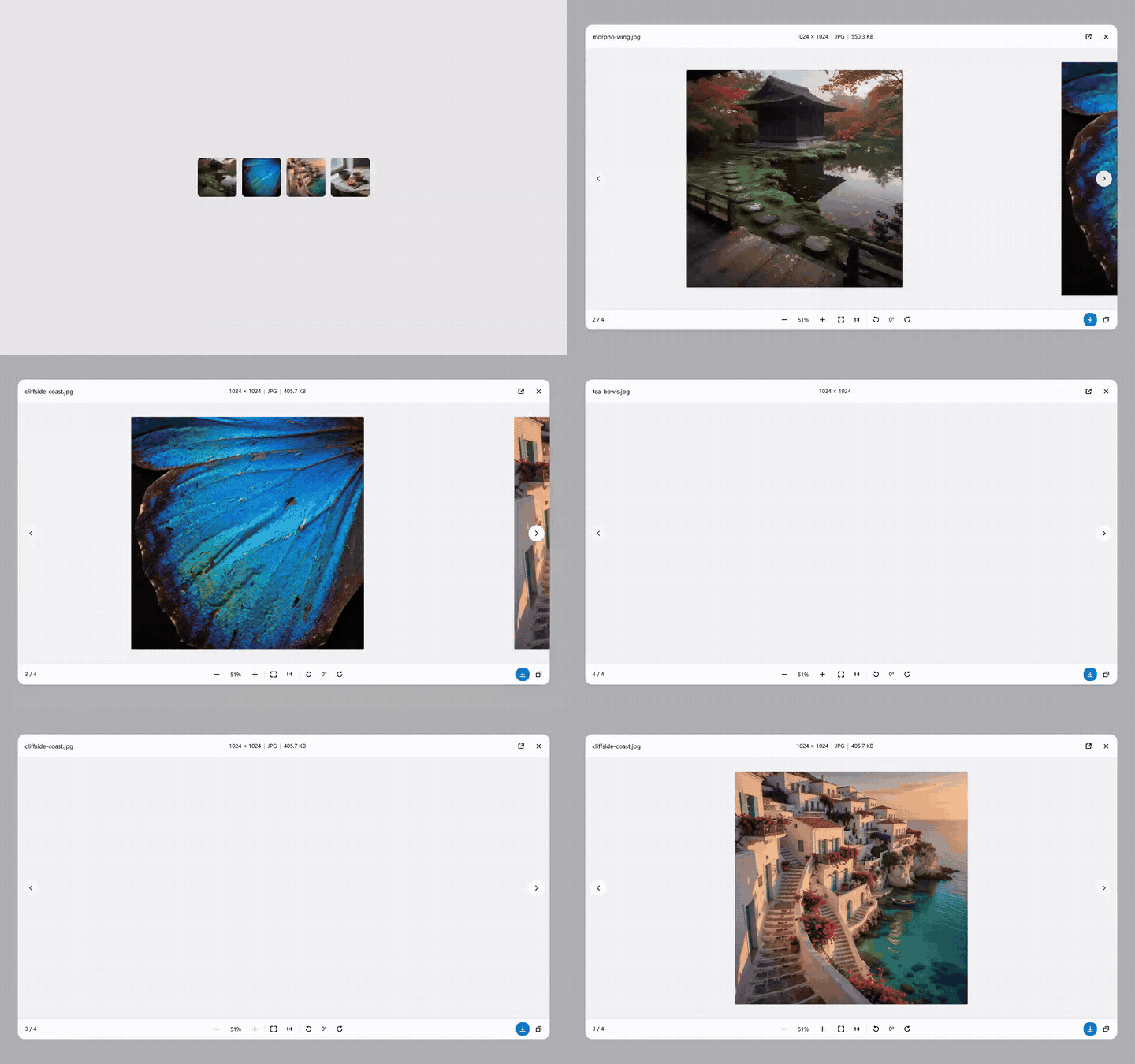
Gallery. The side arrows and ← / → move through the images in the conversation. The new picture slides in from that side.
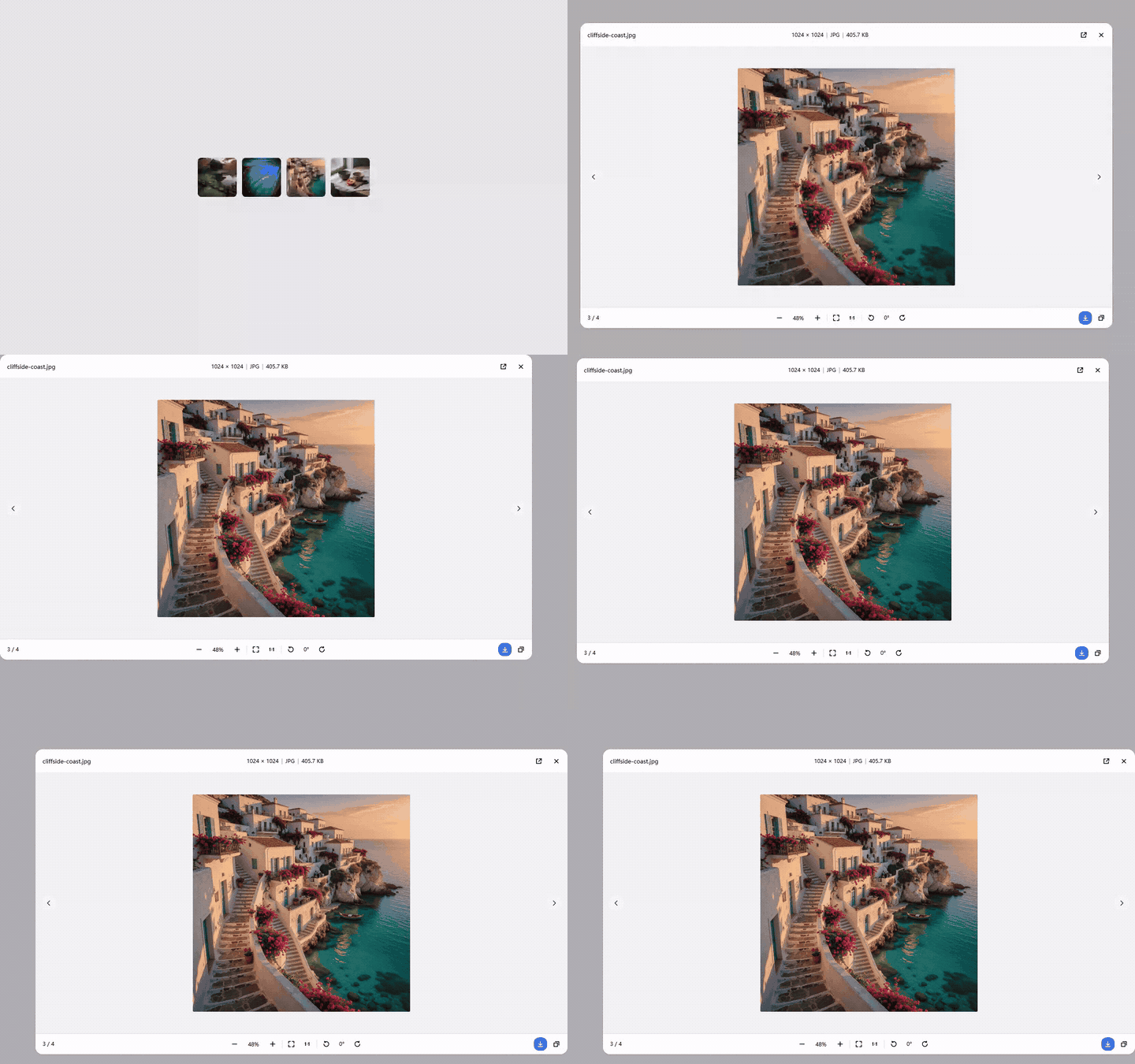
Move the dialog. Drag the title bar. The window stays inside the backdrop.
Copy and download. Copy writes a PNG and shows a toast; download saves the original.
The stock image preview in DSH 0.2.1-rc.2 only offers Close: no zoom, no pan, no rotate, no download, no switching between the images of one conversation. This plugin takes over content-image clicks in the capture phase and renders its own dialog — it does not depend on official slot contracts, so it stays working when image slots change.
The viewer improves looking; it cannot make an image appear. See Getting images into the conversation for prompt rules that get an agent to inline images in the first place.
− [percent] + and the percentage is editable (Enter applies, Esc reverts). A tap on ± matches one notch; holding ± zooms continuously (about one doubling every 0.7s). Keyboard + / - stays a 25% step. The scale stays within 5%–4000%.width × height | format | file size with values only; the format is uppercase (JPG/PNG/SVG/BMP/WEBP…) and the size switches between B, KB and MB (one decimal for KB/MB).← / →; shows current / total. The incoming picture pushes in from the side you asked for and the previous one leaves the other way, about 420ms on the same curve as the dialog open. A second step settles the one already playing. Reduced motion still cuts straight across.session.workspacePathApplications (the default is marked) and ends with "Show file location". A remote http(s) image stays a new-tab button. blob: and data: sources hide it. Opening and revealing both go through the Host's session.openWorkspacePath.--dsh-frame-chrome-top), and the dialog moves only inside that area; both use DSH theme tokens, follow light/dark, and honour prefers-reduced-motion.| Image | Viewer |
|---|---|
Markdown images in message text (, http(s) or the Host file route) | ✅ |
Images attached to user and assistant messages (DSH renders them as blob: URLs) | ✅ |
Tool-result images such as read_image (same attachment channel) | ✅ |
| Icons, avatars and status images below 48px | ❌ stay native |
| Images inside the plugin's own dialog (recursion guard) | ❌ |
Only the click behaviour is intercepted: message content is not modified, no session data is written, and the page returns to normal after closing the dialog.
The viewer only improves looking. Whether an image appears at all is decided by what the agent emits: DSH renders Markdown images from the reply and image attachments from tool results, and this plugin takes over the click afterwards. Most agents summarise UI work in text ("the layout looks correct") and never inline a single picture — which is why the feature is easy to overlook.
Add the rules below to your global AGENTS.md, a project AGENTS.md, or the custom-instructions field. They are deliberately imperative: "inline every image" steers a model far more reliably than "you may attach screenshots".
Images always inline
## Images
- Any image you produce, find, or refer to (including screenshots) must be shown inline: ``.
- Show it without being asked. Never reply with only a file path or only a `present` file card — the image is part of the reply.
- Use an absolute path with forward slashes and wrap the destination in angle brackets. A relative path only resolves when the viewed session has a workspace root; otherwise it renders as a broken image.
- Download remote images into the workspace first, then inline the local file.
- Inline images only. Code, documents and spreadsheets follow the delivery rules of their own tools.
UI verification ends with a screenshot
## UI verification and screenshots
- Verify UI and interaction questions in a real session: open → snapshot/screenshot → operate → check Console/Network. Do not substitute reading source code or reasoning for verification.
- At the end of the verification, inline the key screenshots in the reply and state which step each one shows. Do not paste only paths.
- Save screenshots into the workspace and inline them with ``.
- Write local origins (`127.0.0.1`, `localhost`, any port) as inline code, never as clickable links, and note "open it in your system browser".
Why these constraints:
GET /api/file?path=<absolute path>, mounted by its session media references). It accepts POSIX absolute paths and Windows drive-letter paths; DSH's own docs note that this route needs an HTTP(S) page, so desktop dsh-app: pages do not support it.read_image, browser screenshots) already arrive as rendered attachments and are picked up as-is; the agent should still caption them instead of letting the picture speak for itself.A quick way to test the whole chain: ask "screenshot it and inline it" for a page you can see. If the reply shows an image, click it — the viewer opens. If no image appears, check in order: Markdown syntax versus a bare path, an absolute path with forward slashes, and whether the file actually exists.
| Key | Action |
|---|---|
Esc | Close (leaves the percentage field first) |
+ / = | Zoom in |
- | Zoom out |
0 | Fit to window |
1 | Actual size (1:1) |
R | Rotate 90° clockwise |
Shift+R | Rotate 90° counterclockwise |
← / → | Previous / next image |
| Double-click | Fit ↔ actual size |
This is a plain-JavaScript DSH bundle (package.json declares dsh.bundle): nothing to build, no build-script approval, and a page refresh is enough (restart DSH once after the first install).
github:NingYuanLee/dsh-image-viewer-pro
Web profile (the one dsh web boots):
dsh plugin --profile web add github:NingYuanLee/dsh-image-viewer-pro
Desktop profile:
dsh plugin --profile desktop add github:NingYuanLee/dsh-image-viewer-pro
Use whatever profile you actually boot. A GitHub source install pulls the repository; this package has no
preparescript, so pnpm never asks forallowBuilds.
dsh plugin --profile web add https://github.com/NingYuanLee/dsh-image-viewer-pro/releases/latest/download/dsh-image-viewer-pro.tgz
dsh plugin --profile web remove dsh-image-viewer-pro
Or disable / remove it from the Plugins page. Uninstalling restores the stock preview and never deletes sessions or images.
0.2.1-rc.2 (Web GUI and desktop, both Web renderers).engines.dsh: >=0.2.1-rc.2 <0.3.0-0 and engines.node: >=22.19.0, checked on install and profile boot.remote / remote.session services to open or reveal a local file. When those services are unavailable the action degrades to a notice and everything else keeps working.Checked against the official Packaging and installing plugins docs and the awesome-dsh-plugin listing requirements:
| Requirement | Status |
|---|---|
package.json declares dsh.bundle (installable via dsh plugin add) | ✅ dsh.bundle.patch |
package.json declares dsh.manifestVersion: 1 | ✅ dsh.manifestVersion: 1 |
Root cordis.patch.yml whose row name matches the package | ✅ name: dsh-image-viewer-pro |
| Supported DSH version range | ✅ engines.dsh: >=0.2.1-rc.2 <0.3.0-0 |
| Supported Node version | ✅ engines.node: >=22.19.0 |
Official @deepseek-ai/* packages as peerDependencies | ✅ imports none, so no peers required |
| Presentation metadata (title / description / icon) | ✅ locale/{zh,en}.json + icon.svg |
| Installable without a build step | ✅ plain JS, verified with dsh plugin add github:... |
| Storefront screenshots | ✅ root screenshots.json |
Repository topic dsh-plugin | ✅ |
| Real working code + tests | ✅ npm test (offline smoke + manifest consistency) and GitHub Actions |
Web styling rules (semantic tokens, no border+elevation pairing, corner-shape on circles, reduced motion) | ✅ see the CSS constant in client.js |
git clone https://github.com/NingYuanLee/dsh-image-viewer-pro.git
cd dsh-image-viewer-pro
npm test
For local development, install the directory into a profile as a link: dependency; a page refresh reloads the client half (the first registration needs one restart).
| File | Role |
|---|---|
client.js | Everything browser-side: icons, dialog, gestures, download, copy, gallery |
index.js | Host placeholder so the package is a Loader-scannable bundle |
cordis.patch.yml | Inserts the Loader row into the profile |
test/smoke.test.cjs | Offline smoke tests plus manifest / registration-id / copy consistency checks |
screenshots.json | Storefront screenshot list (1–8 relative paths) |
1:1 glyph is dense at that size.MIT © 2026 NingYuanLee
DeepSeek Harness(DSH)Web 插件聚合生态包 · 一切皆插件,创意工坊分发(dsh-market.com)
把回答做成一页可视化 HTML:模型只写简短的 Markdown 草稿,随包附带的 `am` 命令行生成页面,支持流程图、时序图、树、时间线、ER 图、表格和提示框。
在 dsh 里装上这个插件即可,无需登录、注册或填 API Key,就能使用包括 Muse Spark 1.3、MiMo V2.6 在内的前沿模型——完全免费,不限量。 All you do is install this plugin in dsh: no login, no sign-up, no API key — the frontier models are just there, Muse Spark 1.3 and MiMo V2.6 among them. Completely free, with no usage cap.

