
dsh-web
zhu1090093659/dsh-webDeepSeek Harness(DSH)Web 插件聚合生态包 · 一切皆插件,创意工坊分发(dsh-market.com)

Six complete Everforest palettes (hard/medium/soft × dark/light) for the DeepSeek Harness Web UI
The pack ships six Everforest palettes for the Harness web interface. Each palette pairs a depth with a light or dark plane.
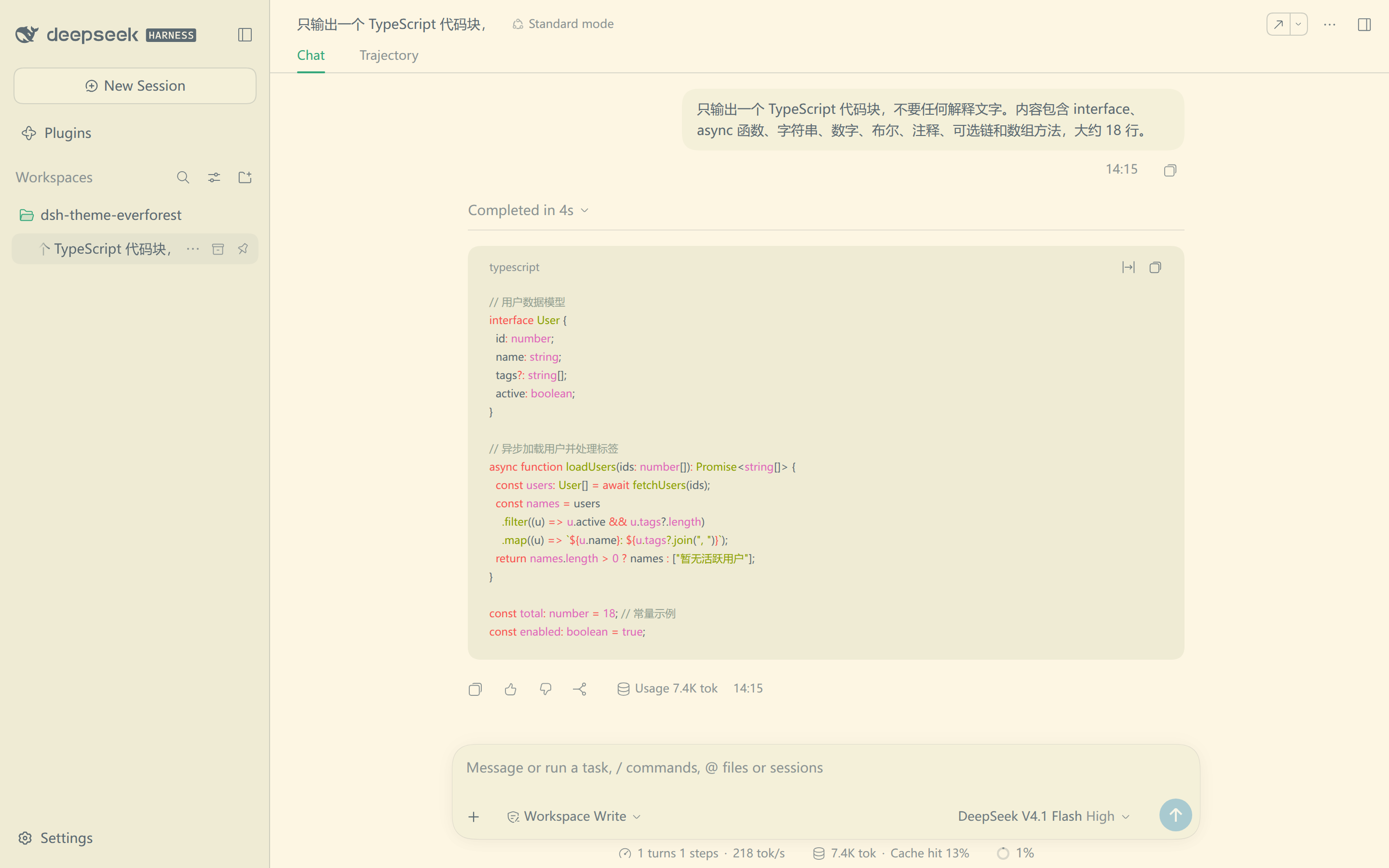
The depth sets contrast against the canvas. The plane selects the light or dark half.
| Depth | Light | Dark |
|---|---|---|
| Hard | 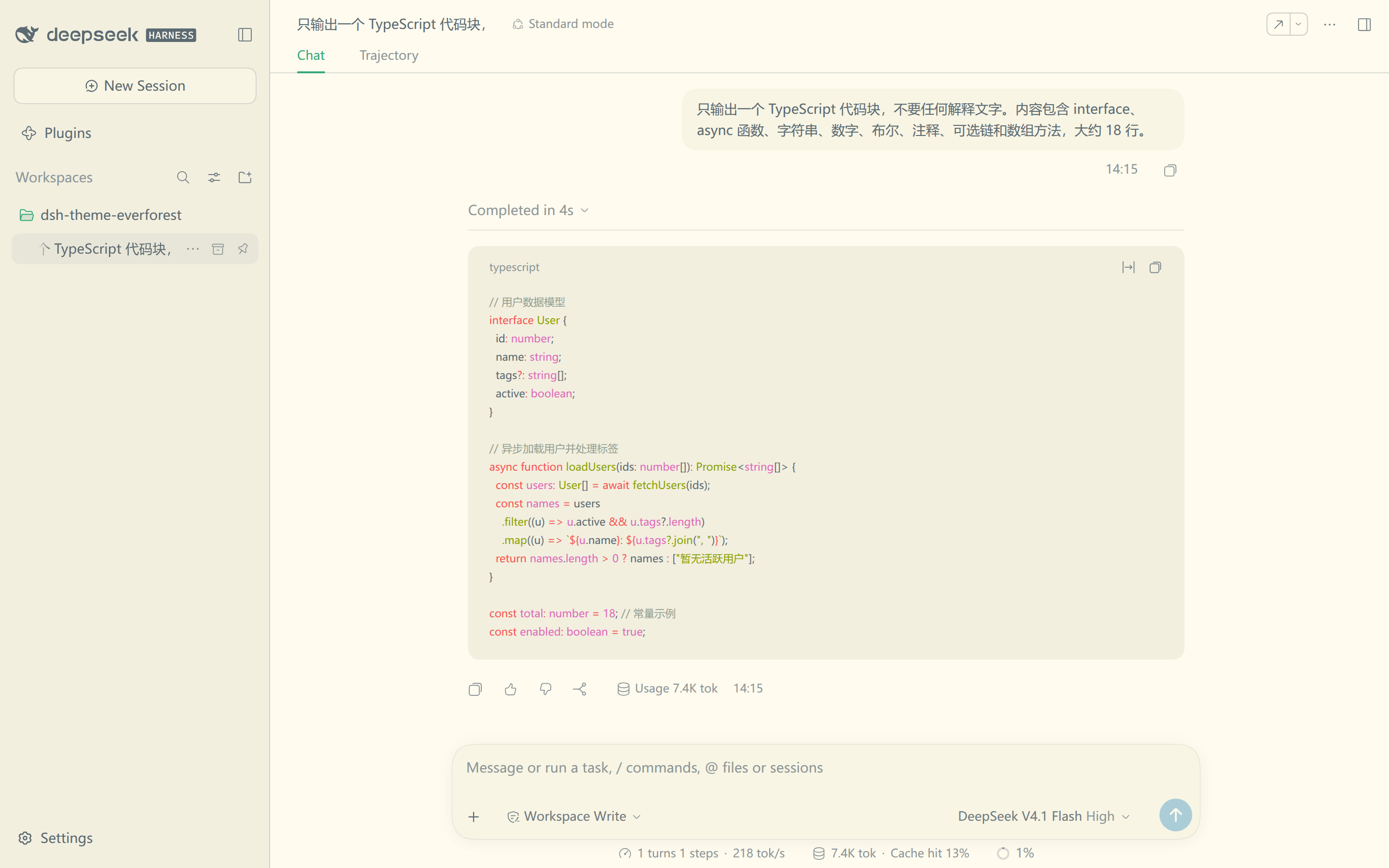 | 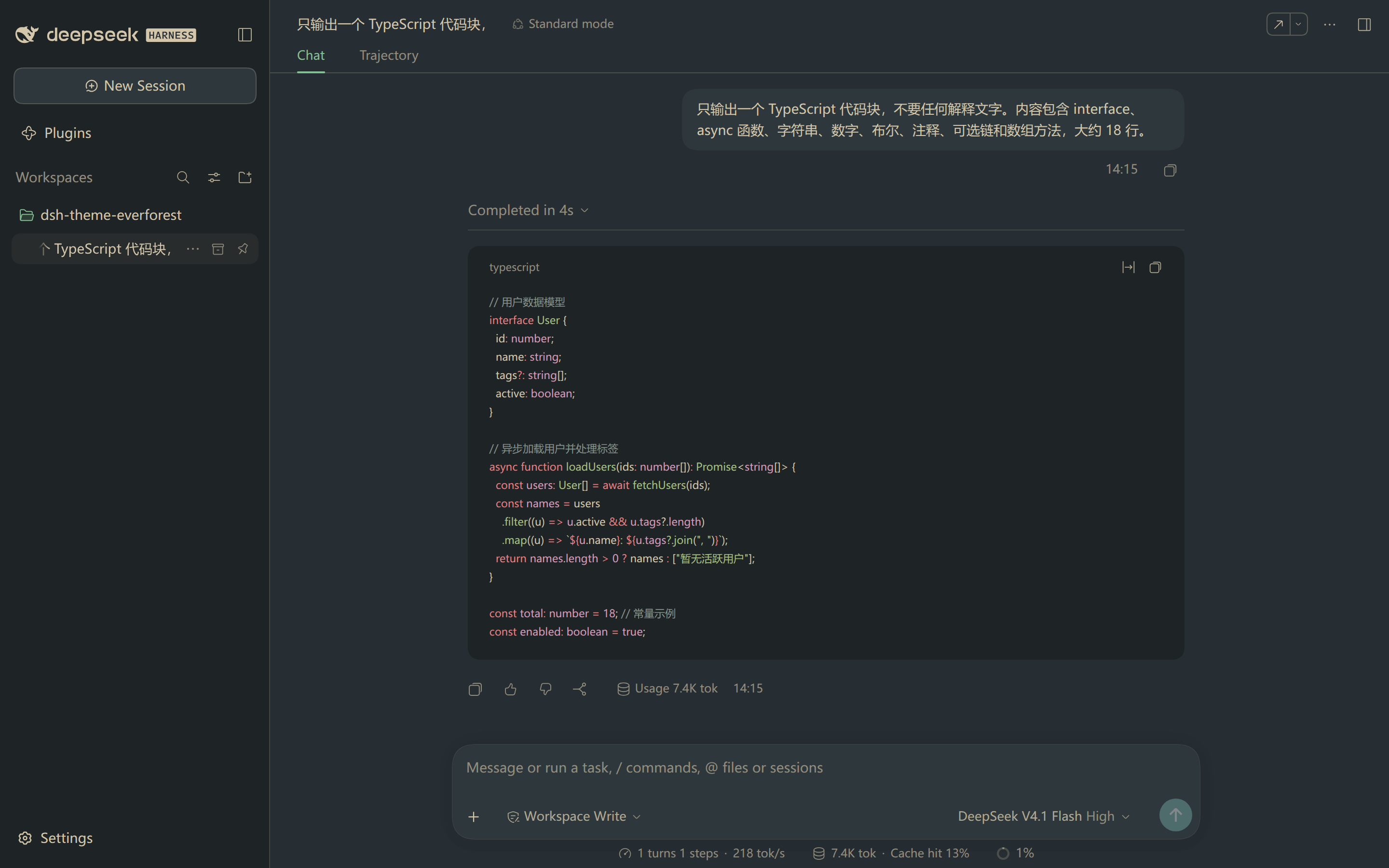 |
| Medium | | 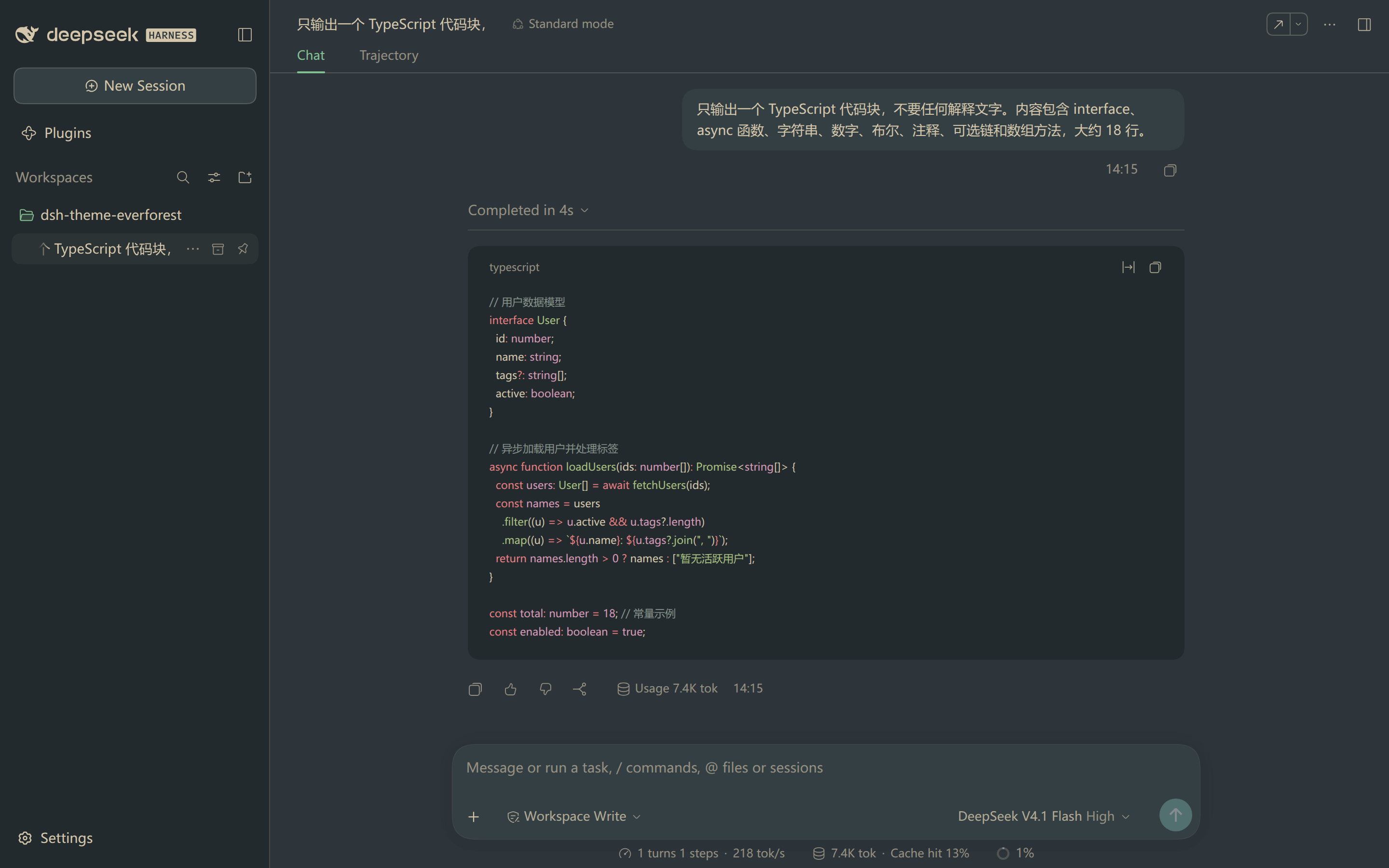 |
| Soft | 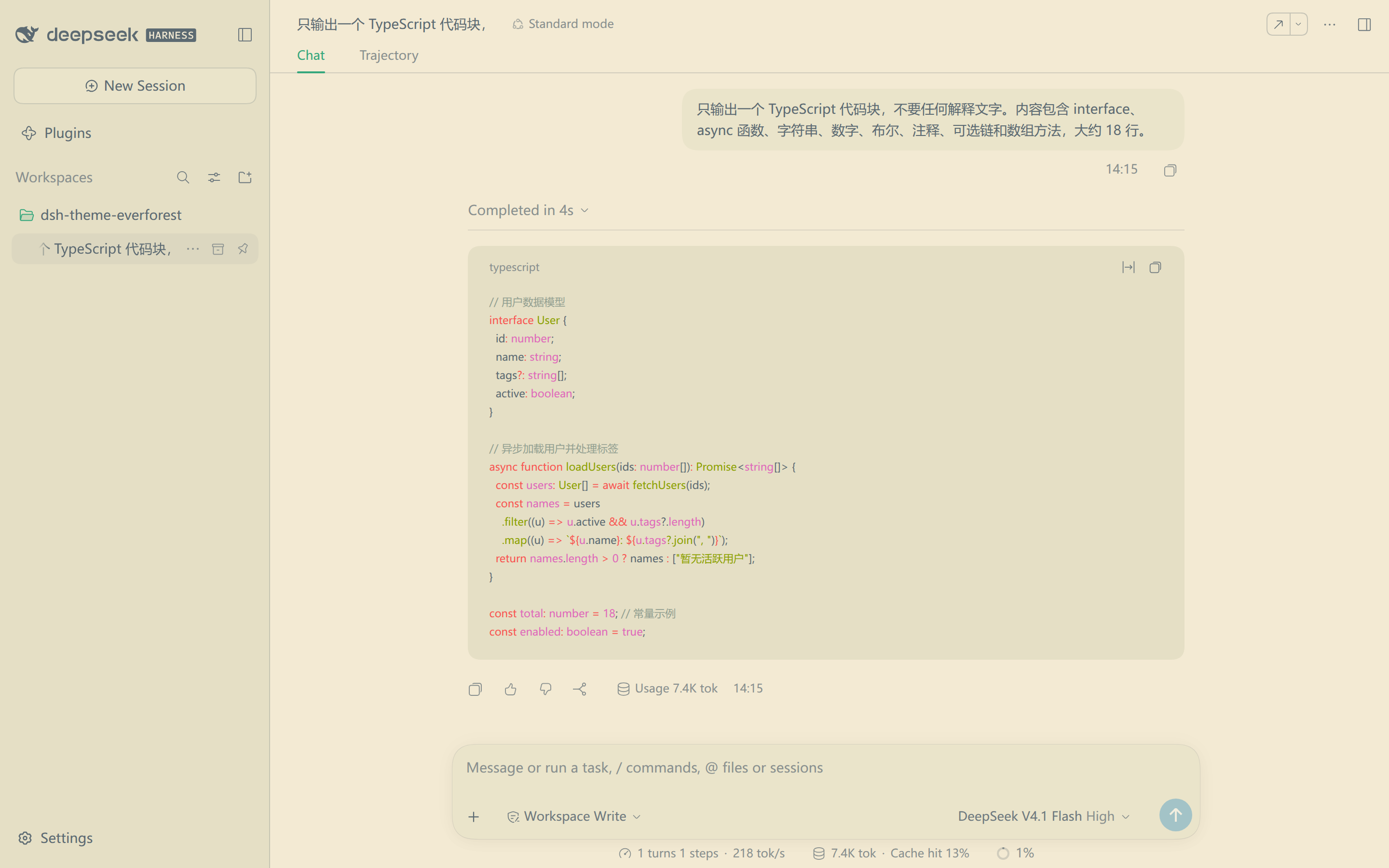 | 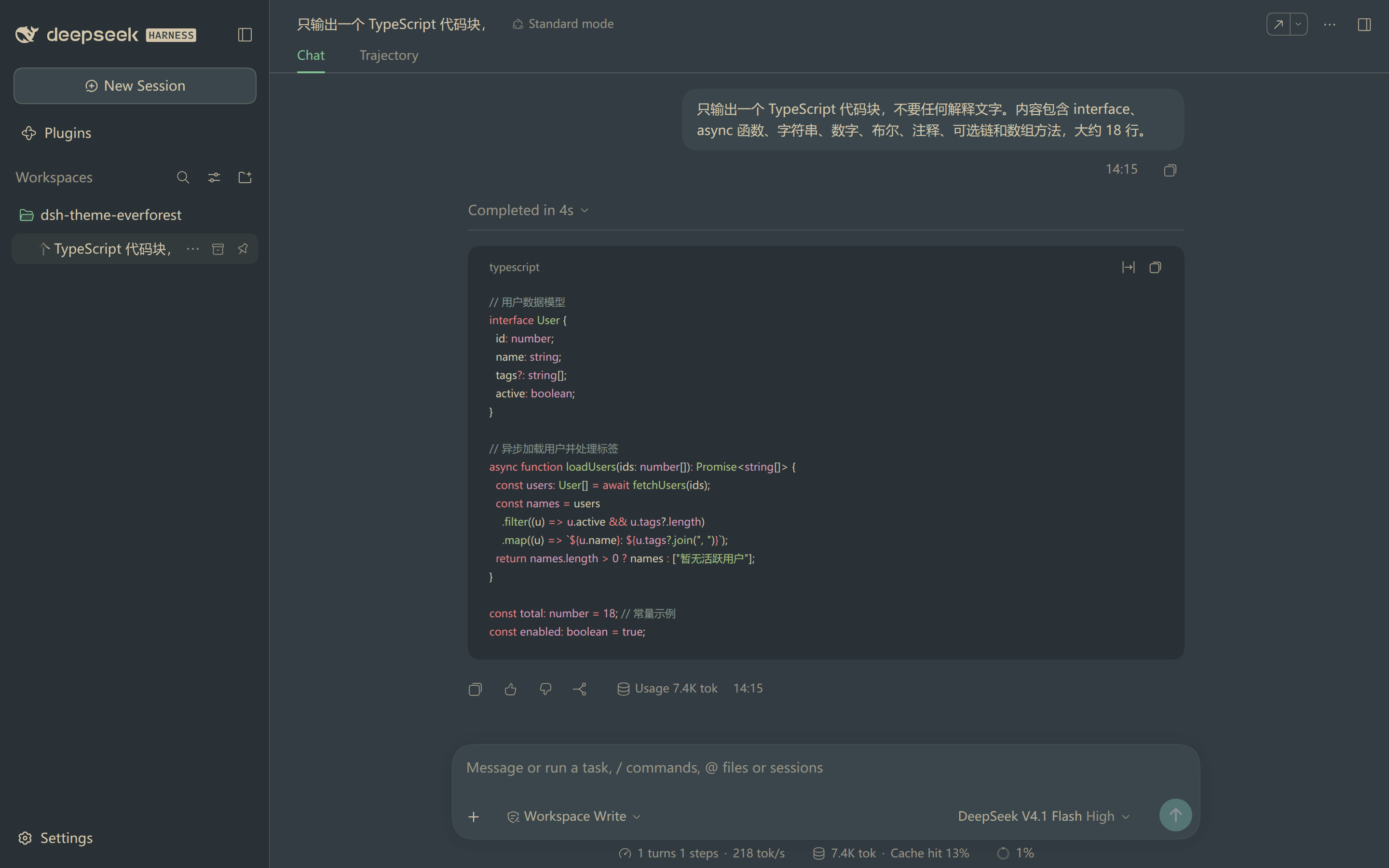 |
Medium is the default. Hard has the highest text contrast. Soft has the lowest.
Install the bundle from a Harness session with the plugin manager:
plugin_manager install_bundle
  target: /path/to/dsh-theme-everforest
The target is the absolute path of a clone of this repository. You can also install from the Plugin Manager page. Point that page at the same directory.
Reload the page after the first install. Open Settings → General → Everforest and select a depth.
The Settings row offers seven choices. Each choice sets the depth and the host theme preference.
| Choice | Effect |
|---|---|
| Default | Removes the Everforest layer and restores the built-in palette. |
| Dark Hard, Dark Medium, Dark Soft | Applies a dark plane and sets Appearance to Dark. |
| Light Hard, Light Medium, Light Soft | Applies a light plane and sets Appearance to Light. |
The depth stays in this browser and defaults to medium.
The three Appearance choices keep working on their own. Select System with a depth. The page then follows the system light or dark setting.
Four limits are worth knowing before you install the pack:
--dsw-focus-ring-color, shadows, radii and fonts stay unchanged. Two static neutral tokens stay white for translucent highlights.DeepSeek Harness(DSH)Web 插件聚合生态包 · 一切皆插件,创意工坊分发(dsh-market.com)
把回答做成一页可视化 HTML:模型只写简短的 Markdown 草稿,随包附带的 `am` 命令行生成页面,支持流程图、时序图、树、时间线、ER 图、表格和提示框。
在 dsh 里装上这个插件即可,无需登录、注册或填 API Key,就能使用包括 Muse Spark 1.3、MiMo V2.6 在内的前沿模型——完全免费,不限量。 All you do is install this plugin in dsh: no login, no sign-up, no API key — the frontier models are just there, Muse Spark 1.3 and MiMo V2.6 among them. Completely free, with no usage cap.

