dsh-plugin
DayuanJiang/next-ai-draw-iodsh 的 draw.io 绘图插件:通过 next-ai-drawio MCP 服务器作图,点回复里的链接在右侧栏打开实时预览,可以手动修改图,AI 的每次修改都是可以恢复的版本。需 Node.js 18+,首次使用由 npx 下载 MCP 服务器。
Text-first browser and background macOS control for DSH.
Target the right process and window without taking over the user's pointer.
简体中文 · Architecture · Distribution · Security
brew tap zrui-c/tap
brew trust zrui-c/tap
brew install --cask dsh-computer-use
open -a "DSH Computer Use"
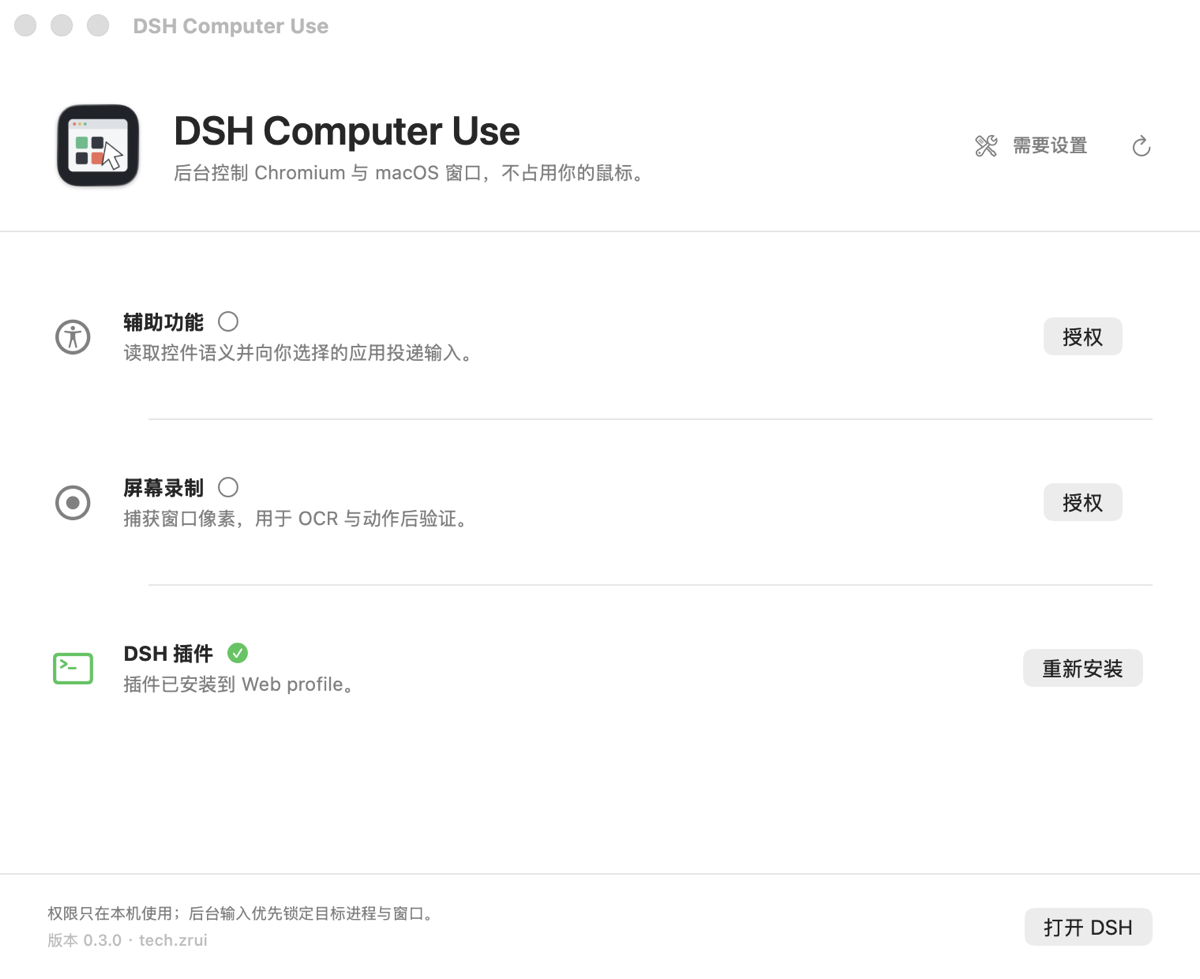
DSH-Computer-Use-*-universal.dmg from Releases.With either method, authorize Accessibility and Screen Recording, select Install under DSH Plugin, then restart the running DSH Host.
The Homebrew Cask and official DMG install the same Universal 2, Developer ID signed, Apple-notarized app. Users do not need Xcode, Swift, or this source checkout. DSH and Google Chrome must already be installed.
| Surface | Perception | Input |
|---|---|---|
| Chromium | Playwright, CDP accessibility/DOM, frames, tabs, optional OCR | Ref-pinned navigation, pointer, keyboard, forms, scroll, drag, upload |
| macOS | Accessibility tree first, Vision OCR for semantic gaps, independent window capture | AX actions, targeted SkyLight/CoreGraphics, global HID only without a target |
Every action returns a fresh bounded text observation. The model works with roles, names, values, state, geometry, and stable snapshot refs instead of assuming it can inspect screenshots. UI and OCR strings are explicitly untrusted data.
ScreenCaptureKit is public API. The optional background input path dynamically loads private SkyLight symbols and is intended for Developer ID distribution, not the Mac App Store. Private APIs are unsupported by Apple and can change between macOS releases.
On macOS 26, Stage Manager may expose a shelved window only as a small WindowServer thumbnail. Constructing a capture filter for that representation can abort inside SkyLight. DSH Computer Use detects the geometry mismatch first, preserves AX observation, returns an explicit warning, and never stretches a thumbnail into a fake full-window screenshot.
The embedded package declares a DSH bundle in package.json. The setup center runs the official equivalent of:
dsh plugin --profile web add --save-exact file:/path/to/DSH\ Computer\ Use.app/Contents/Resources/Plugin
cordis.patch.yml installs the Host runtime and registers computer_observe / computer_action in DSH's global tool layer, inherited by every agent preset. No manual edits to user profile YAML or preset copies are required. The setup center detects an older dependency-only installation and repairs the missing bundle registration. A running DSH Host must be restarted after install, repair, or upgrade.
Requirements: macOS 14+, Xcode/Swift 5.9+, Node.js 22+, pnpm 11+, DSH, and Google Chrome.
pnpm install
pnpm run typecheck
pnpm run test
pnpm run test:native
pnpm run build
pnpm run build creates:
native/macos-helper/dist/DSH Computer Use.app
The default build is Universal 2. For faster local iteration:
COMPUTER_USE_ARCHS=arm64 pnpm run build
Create a local drag-to-Applications DMG:
pnpm run package:dmg
Public releases require a Developer ID Application identity and notarization. See documentation/distribution.md for the exact local and GitHub Actions flows.
OCR detects languages automatically by default. Set ocrLanguages on the computer-use-host configuration to an ordered list of Vision language identifiers, for example ["zh-Hans", "en-US"], to prefer Simplified Chinese and English. The same setting applies to desktop capture, display fallback, and browser OCR. Unsupported language identifiers produce an explicit OCR warning/error rather than silently dropping text; supported languages depend on the installed macOS version.
Desktop AX traversal supports up to 64 levels and at most 2,000 nodes (maxNodes still defaults to 250 in the host). Depth/node cutoffs set truncated and include a warning. A bounded observation may still omit controls; narrow the view or observe again instead of guessing refs.
Development dependencies target DSH 0.2.1-alpha.1; the earlier 0.1.0-rc.6 peer ranges remain accepted. This does not imply that every intervening DSH version or macOS runtime has been tested.
computer_observe returns interactive, full, or changes snapshots for browser and desktop, with optional query filtering and auto | always | never OCR.
computer_action performs exactly one browser or desktop action and returns the post-action semantic state. Ref and coordinate actions require the latest snapshot_id; stale targets fail closed and require another observation. File uploads are fenced to the DSH session workspace.
Licensed under Apache-2.0. This independent project is not endorsed by Apple. “DeepSeek” and related marks belong to their respective owners; the name is used only to describe compatibility with DeepSeek Harness/DSH.
dsh 的 draw.io 绘图插件:通过 next-ai-drawio MCP 服务器作图,点回复里的链接在右侧栏打开实时预览,可以手动修改图,AI 的每次修改都是可以恢复的版本。需 Node.js 18+,首次使用由 npx 下载 MCP 服务器。
把 WeKnora 知识库接入 dsh 的四个只读工具:列出知识库、混合检索原文片段、按顺序还原单篇文档,以及直接取用 WeKnora 自己带引用的 RAG 或 ReAct agent 回答(含可续聊的 session id)。
把腾讯云 CloudBase 后端接入 DeepSeek Harness——在对话里搭好并部署全栈应用,查询结果渲染为表格卡片(分页、排序、导出 CSV),部署后可预览真实域名,并提供 CloudBase MCP 工具集(`mcp__cloudbase__*`),登录走 device-code 流程。