
dsh-web
zhu1090093659/dsh-webDeepSeek Harness(DSH)Web 插件聚合生态包 · 一切皆插件,创意工坊分发(dsh-market.com)

基于 @michengai/dsh-pua 的修订版:解除上游「全局总闸」,让入口恒常显示、功能默认关闭并可按会话开关;入口改为下拉菜单(打开 / 关闭 / 选项),选项面板更紧凑。
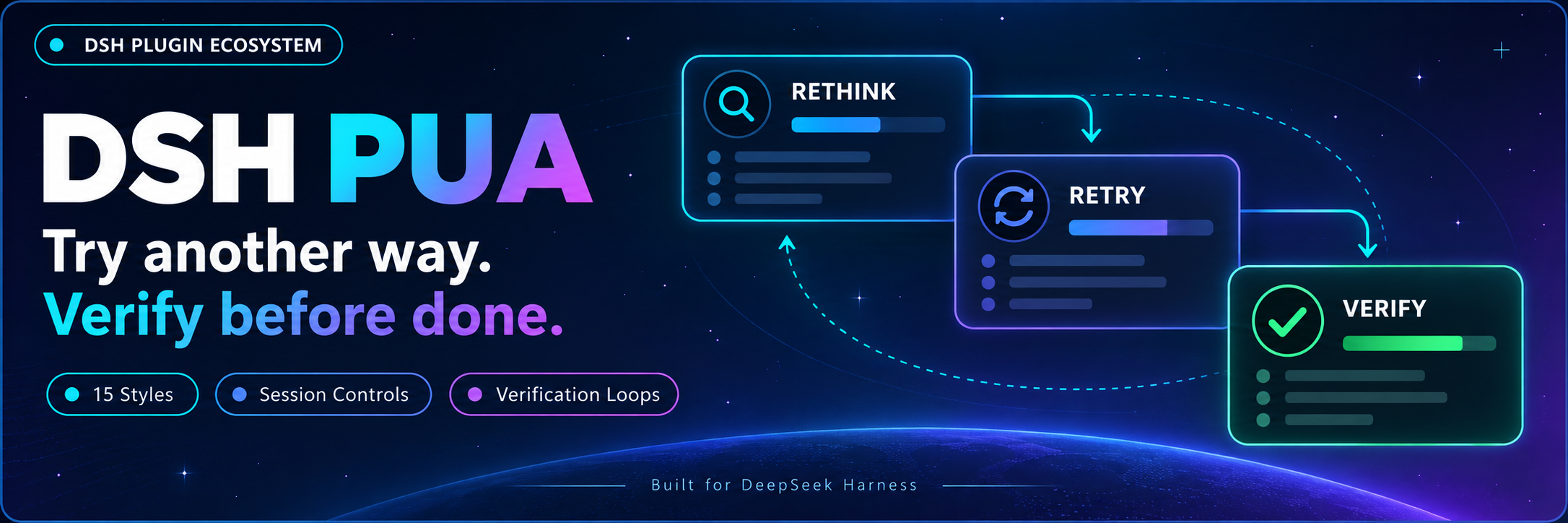
Help your agent try another approach and verify its work before calling it done.
简体中文 · The problem it solves · Features · Installation · Usage · Configuration · Commands · Fork changes · Changelog
Brings PUA to DeepSeek Harness. Community-maintained; not an official DeepSeek AI or PUA product.
Poor delivery is usually not a skill gap. It is the absence of any requirement to prove the work:
| Common behavior | How PUA intervenes |
|---|---|
| Tweaks the same parameters again and again while drifting further | Past the failure threshold, switching to a materially different approach is mandatory; spinning in place raises pressure immediately |
| Gets stuck and suggests "please do this manually" | Classified as giving up or deflecting; triggers an ownership check and escalation |
| Claims "done" without ever running the verification command | Empty completion is detected; it only counts once runtime evidence is attached |
| Reads an error once, then jumps to a conclusion | Required to read context, search for similar cases, enumerate hypotheses, and verify |
| Fixes one bug and stops | Iceberg rule: same-module siblings and upstream/downstream impact are handled together |
The core mechanism is pressure that escalates with failure count and drops after genuine acceptance passes. Pressure is not the goal; evidence is.
fidelity: lean | balanced | full; default balanced, lean saves more context, and full restores the complete original prompt. pua_reference supports path=index and a section argument.Results depend on the model and task. The plugin does not guarantee a solution every time.
Requires Node.js 22.19 or later and DSH 0.1.2-rc.1, 0.1.5-rc.1, 0.1.5-rc.2, 0.1.5-rc.3, 0.1.7-rc.1, 0.1.7-rc.2, 0.2.0-rc.1, or 0.2.0-rc.2. Uses your existing DSH model configuration; no additional API key is needed.
Examples use the web profile. Replace it with the profile you use.
Send this to an agent that can run commands on your computer:
Install @panando/dsh-pua into my local DSH web profile by running dsh plugin --profile web add @panando/dsh-pua@latest --registry=https://registry.npmjs.org/. Check that the plugin loads, then explain how to open PUA settings.
[Console]::OutputEncoding = [System.Text.Encoding]::UTF8
$OutputEncoding = [System.Text.Encoding]::UTF8
dsh plugin --profile web add @panando/dsh-pua@latest --registry=https://registry.npmjs.org/
After the current task finishes, reload DSH or restart its Web service. Refreshing the browser alone is not enough. Enter /pua help to check that the plugin is available.
@panando/dsh-pua, and use the package page or the panando-pua row.A PUA entry is always visible in the composer. Clicking it opens a dropdown:
When PUA is off for the session, the label is dimmed with a line through it. The entry is always rendered — the key difference from upstream, see Fork changes.
Change global defaults only in plugin settings. Chat controls and commands affect only the current conversation.
Unchanged options follow global defaults; editing one option overrides just that one. "Restore all" at the top of the panel returns to inheritance.
The panel is grouped into three sections:
| Section | What you can adjust | Notes |
|---|---|---|
| Basics | PUA switch, UI language, subagents | UI language Auto follows the host, or pin Chinese / English; subagents off by default, and when enabled they inherit the parent session's effective config |
| Flavor & role | Flavor, persona mode | Choose Auto to route by task characteristics, or lock one flavor; personas include P7 / P9 / P10 / Pro |
| Reminders & verification | Correction reminders, integrity guard, feedback reminders, Loop defaults | Collapsed by default. Covers terminal review, failure escalation, and quality prompts; integrity guard off by default; Loop takes a verification command, timeout, and iteration cap (0 = unlimited) |
Subagent enablement also depends on the parent conversation's PUA switch. fidelity can be lean (minimal), balanced (default, loads rule slices on demand), or full (full original prompt, higher context usage). Commands no longer change global settings.
In the chat PUA panel, under "Start or cancel a Loop", enter a task, verification command, and iteration limit, then start it. For example, ask the agent to fix failing tests, verify with npm test, and stop after at most 10 iterations.
You can also enter:
/pua loop "Fix the failing tests and add regression coverage" --verify "npm test" --max-iterations 10
Enter /pua-cancel-loop or /pua cancel-loop to stop. Disabling PUA for the current session also cancels its Loop, but does not undo operations already performed.
Set a verification command and iteration limit when using a Loop. Without a verification command, completion relies on the model's report.
Everyday switches, flavors, and personas are available in the UI; memorizing commands is optional.
| Goal | Command |
|---|---|
| Enable or disable PUA for this conversation | /pua on, /pua off |
| Choose a flavor | /pua flavor huawei |
| Ask for another approach | /pua again |
| Check whether the task is complete | /pua done-check |
| Check delivery evidence | /pua evidence |
| Review current changes without editing | /pua review |
| Restore global defaults for this conversation | /pua reset |
| Cancel a verification Loop | /pua-cancel-loop, /pua cancel-loop |
| View status or full usage | /pua status, /pua help |
This repository is derived from @michengai/dsh-pua v0.3.22 and published as the separate package @panando/dsh-pua on npm. It is a fork, not an official release. Original LICENSE and NOTICE are retained.
Upstream treats the global alwaysOn setting as a master gate: when off, the composer entry does not render, a session cannot be enabled, and /pua on is rejected. An always-visible entry and a default-off feature therefore cannot coexist.
This fork lifts that restriction: the entry always renders while the feature still defaults to off, and you enable it per session from the composer menu ("Turn on"). The entry is a dropdown (Turn on / Turn off / Options), where the first two take effect immediately and only "Options" opens the panel.
The original markers mixed square brackets and icons, which hurt readability. They are now emoji『text』, keeping each marker's original emoji and dropping the trailing flavor word:
| Original | Now |
|---|---|
[🟡 字节味] | 🟡『字节』 |
[PUA生效 🔥] | 🔥『PUA生效』 |
[PUA 突破 ✨] | ✨『PUA 突破』 |
[方法论切换 🔄] | 🔄『方法论切换』 |
[自动选择:⚫ 百度味 | 因为:… | 改用:🟡 字节味] | 🔄『自动选择:百度』因为:… | 改用:🟡『字节』 |
This covers 18 upstream asset files across the core protocol, persona modes, and methodology references. The English protocol (pua-en), markdown links, and machine-readable IDs are unchanged.
Language "Auto (follow host)" and flavor "Auto-flavor" both become "Auto", so the dropdowns stay compact.
The flat field list becomes three sections — Basics / Flavor & role / Reminders & verification — with the last one collapsed by default. The field set and configuration contract are unchanged; only the presentation order differs.
See CUSTOM-CHANGES.md for the full change list and implementation pitfalls.
[Console]::OutputEncoding = [System.Text.Encoding]::UTF8
$OutputEncoding = [System.Text.Encoding]::UTF8
dsh plugin --profile web remove @panando/dsh-pua
Reload DSH for the change to take effect. Project files and conversation history are preserved.
Adapted from tanweai/pua 3.5.1.
Original project code uses Apache License 2.0. Bundled PUA assets retain their upstream-declared MIT license and attribution; see NOTICE.
DeepSeek Harness(DSH)Web 插件聚合生态包 · 一切皆插件,创意工坊分发(dsh-market.com)
把回答做成一页可视化 HTML:模型只写简短的 Markdown 草稿,随包附带的 `am` 命令行生成页面,支持流程图、时序图、树、时间线、ER 图、表格和提示框。
在 dsh 里装上这个插件即可,无需登录、注册或填 API Key,就能使用包括 Muse Spark 1.3、MiMo V2.6 在内的前沿模型——完全免费,不限量。 All you do is install this plugin in dsh: no login, no sign-up, no API key — the frontier models are just there, Muse Spark 1.3 and MiMo V2.6 among them. Completely free, with no usage cap.

