

dsh-web
zhu1090093659/dsh-webDeepSeek Harness(DSH)Web 插件聚合生态包 · 一切皆插件,创意工坊分发(dsh-market.com)
Codex-style live browser & desktop mirror for DeepSeek Harness. Watch your agent work in real time — with a virtual cursor — and take over control whenever you want.
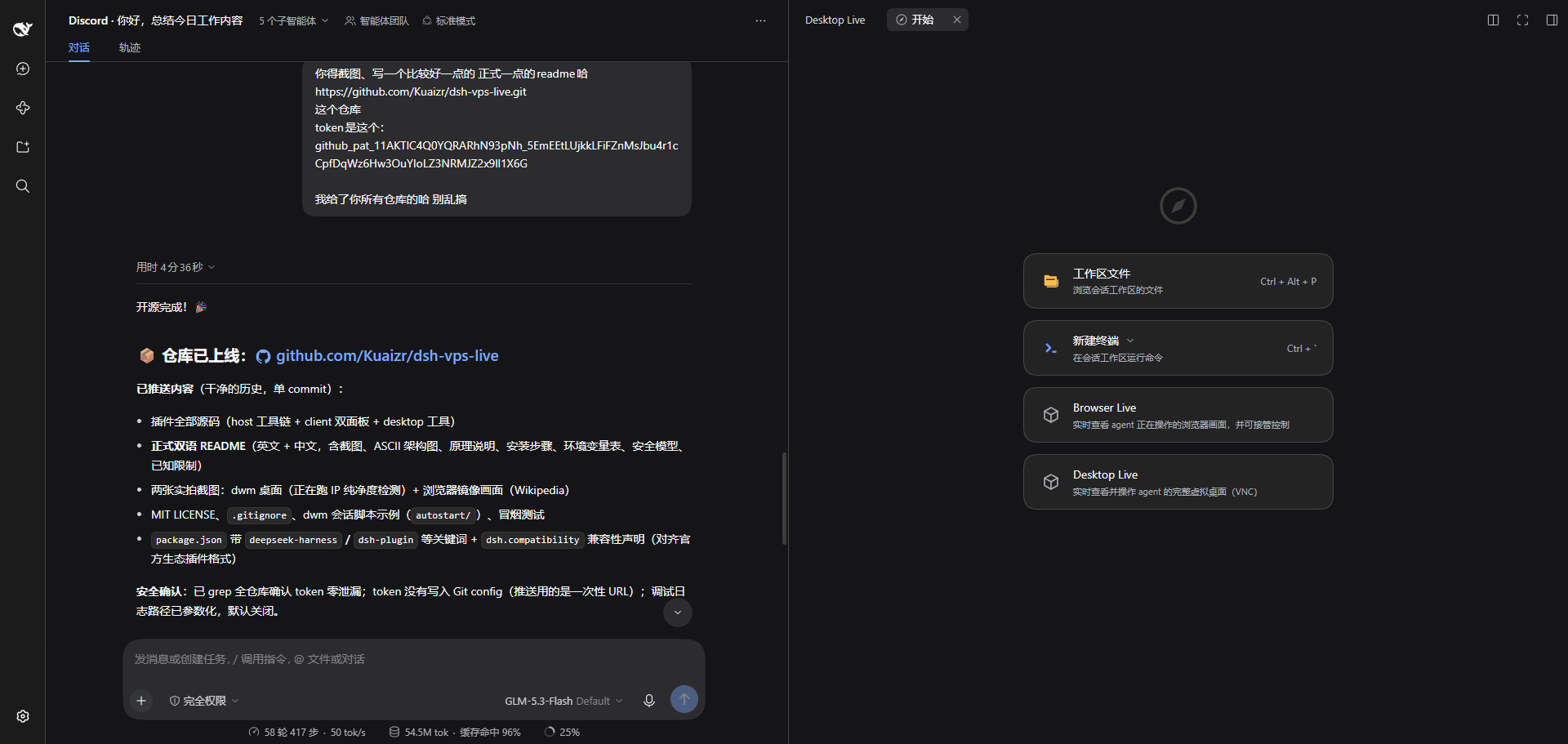 Browser Live and Desktop Live appear as panels in the web GUI's right sidebar.
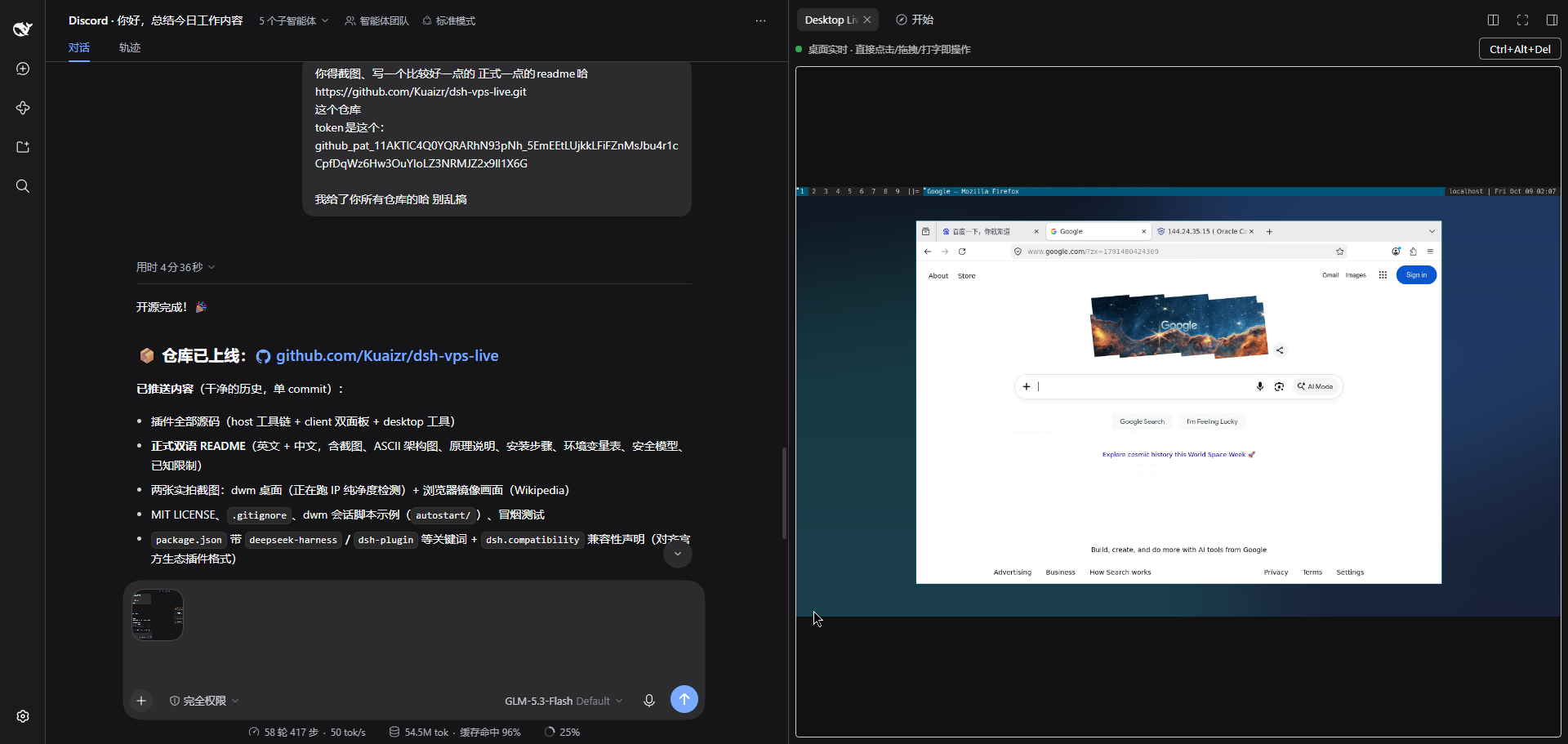 Desktop Live: the agent's full virtual desktop (dwm + Firefox), streamed live into the DSH web GUI.
One DSH plugin, two live surfaces inside the web GUI's right sidebar:
| Panel | What you get |
|---|---|
| Browser Live | Real-time mirror of the browser the agent drives (JPEG frames over CDP Page.startScreencast), a virtual cursor + click ripple showing what the agent is doing, and a Take over button that hands input control to you (manual release). |
| Desktop Live | A full virtual desktop (Xvfb + dwm + x11vnc) streamed over a WebSocket-bridged VNC (websockify-style). Click, drag, scroll and type directly — no toggle needed. |
Plus one agent-side tool, desktop, which lets the model operate the virtual
desktop (click / drag / type / key / scroll via xdotool) — every action visible
to you live.
┌─ You (browser, behind Cloudflare Access or any auth) ──────────┐
│   Browser Live canvas          Desktop Live canvas (noVNC)     │
└───────────────┬────────────────────────┬───────────────────────┘
                │ WebSocket /browser-live/ws   WebSocket /desktop-live/ws
┌─ dsh-web host ─┴────────────────────────┴───────────────────────┐
│  browser-live plugin                                            │
│  • launches Chromium with a CDP endpoint (127.0.0.1:9222)       │
│  • browser-use provider attaches to that SAME browser, so what  │
│    the agent drives is exactly what you see                     │
│  • Page.startScreencast → JPEG frames → WS                      │
│  • takeover input → CDP Input.dispatch*                         │
│  • agent cursor → Runtime.addBinding page script                │
│  • /desktop-live/ws → auth → raw TCP bridge → x11vnc:5999       │
└───────────────┬──────────────────────────┬──────────────────────┘
                │ attach (CDP)             │ RFB
        Chromium (headless shell)        Xvfb :99 + dwm + x11vnc
Why not VNC for the browser? CDP screencast is damage-driven (near-zero traffic on static pages), needs no X server, and gives pixel-accurate coordinates for input injection. Why not CDP for the desktop? The desktop is not a browser — VNC is the honest tool there, and a raw TCP bridge over an authenticated WebSocket is the whole bridge (no websockify process needed).
0.1.7-rc.2 (web profile) with the
@deepseek-ai/dsh-experimental-browser-use-playwright-mcp provider mountedxvfb, dwm, x11vnc, feh, picom (any WM works)git clone https://github.com/Kuaizr/dsh-vps-live.git
cd dsh-vps-live
npm install
npm run build # produces lib/index.js and lib/client.js
In $DSH_HOME/profiles/web/package.json:
"@aether/dsh-browser-live": "link:/path/to/dsh-vps-live"
In $DSH_HOME/profiles/web/cordis.patch.yml, switch the Playwright MCP
provider to attach mode (so the agent drives the mirrored browser) and
insert the plugin:
- insert:
    - id: browser-live
      name: "@aether/dsh-browser-live"
    - id: browser-use
      name: "@deepseek-ai/dsh-browser-use"
    - id: browser-use-playwright
      name: "@deepseek-ai/dsh-experimental-browser-use-playwright-mcp"
      config:
        mode: attach
        endpoint: http://127.0.0.1:9222
Then pnpm install in the profile and restart dsh-web.
Run a virtual display with a WM and x11vnc bound to loopback, e.g. as systemd user units:
# ~/.config/systemd/user/xvfb.service
[Service]
ExecStart=/usr/bin/Xvfb :99 -screen 0 1600x900x24 -nolisten tcp

# ~/.config/systemd/user/desktop-wm.service  (see autostart/ for an example)
[Service]
Environment=DISPLAY=:99
ExecStart=/bin/sh /path/to/autostart.sh   # wallpaper, picom, dwm

# ~/.config/systemd/user/x11vnc.service
[Service]
ExecStart=/usr/bin/x11vnc -display :99 -rfbport 5999 -localhost -nopw -shared -forever -noxdamage
The plugin proxies /desktop-live/ws to 127.0.0.1:5999 after DSH
authentication — VNC never listens on a public interface.
| Variable | Default | Purpose |
|---|---|---|
BROWSER_LIVE_PORT | 9222 | CDP endpoint port for the attach-mode provider |
BROWSER_LIVE_EXECUTABLE | auto-detected | Chromium / headless-shell binary |
BROWSER_LIVE_DISPLAY | :99 | Display used by the desktop tool |
BROWSER_LIVE_DEBUG_LOG | unset | When set to a path, logs the WS lifecycle there |
connection.requestRejection) — no new anonymous endpoints.desktop tool returns text results; screenshots-to-model (durable
attachments) are left to DSH's own computer-use providers.MIT © Kuaizr
面向 DeepSeek Harness 的 Codex 风格实时浏览器 / 桌面镜像插件。 实时观看 agent 操作(带虚拟光标),随时接管控制。
| 面板 | 能力 |
|---|---|
| Browser Live | 实时镜像 agent 正在操作的浏览器(CDP Page.startScreencast JPEG 帧流);虚拟光标 + 点击涟漪显示 agent 动作;一键接管输入(手动释放) |
| Desktop Live | 完整虚拟桌面(Xvfb + dwm + x11vnc),WebSocket 桥接 VNC(websockify 式);直接点击 / 拖拽 / 滚动 / 打字 |
另注册 agent 工具 desktop:模型可通过 xdotool 操作虚拟桌面(click / drag / type / key / scroll),你的面板实时可见。
127.0.0.1:9222);
browser-use 的 Playwright MCP provider 配置为 attach 模式连接同一浏览器,
因此 agent 操作的页面 = 你看到的页面。Page.startScreencast 是变化驱动的:静态页面几乎零流量;客户端接入时插件
主动抓取一帧,之后按变更推帧。Input.dispatchMouseEvent / dispatchKeyEvent 注入。Runtime.addBinding 回报坐标。/desktop-live/ws 完成 DSH 认证后,做 WebSocket ↔ VNC 裸 TCP 桥
(内置于插件,无需额外 websockify 进程),并带协议层 keepalive 防止
Cloudflare 掐断空闲连接。git clone https://github.com/Kuaizr/dsh-vps-live.git
cd dsh-vps-live && npm install && npm run build
在 $DSH_HOME/profiles/web/package.json 加入:
"@aether/dsh-browser-live": "link:/path/to/dsh-vps-live"
在 cordis.patch.yml 中把 playwright provider 改为 attach 模式并插入插件
(见上文英文部分的 YAML 示例),然后 pnpm install 并重启 dsh-web。
需要 xvfb、任意窗口管理器(示例用 dwm)、x11vnc(仅监听 127.0.0.1)。
autostart/ 目录有可直接使用的会话脚本示例。
| 变量 | 默认 | 说明 |
|---|---|---|
BROWSER_LIVE_PORT | 9222 | CDP 端口 |
BROWSER_LIVE_EXECUTABLE | 自动探测 | Chromium / headless shell 路径 |
BROWSER_LIVE_DISPLAY | :99 | desktop 工具使用的显示器 |
BROWSER_LIVE_DEBUG_LOG | 未设置 | 设置为路径时记录 WS 生命周期日志 |
connection.requestRejection),无匿名端点针对 DeepSeek Harness 0.1.7-rc.2(web profile)开发与验证。
DSH 仍处于 Developer Preview,后续版本可能需要适配。
MIT © Kuaizr
DeepSeek Harness(DSH)Web 插件聚合生态包 · 一切皆插件,创意工坊分发(dsh-market.com)
把回答做成一页可视化 HTML:模型只写简短的 Markdown 草稿,随包附带的 `am` 命令行生成页面,支持流程图、时序图、树、时间线、ER 图、表格和提示框。
在 dsh 里装上这个插件即可,无需登录、注册或填 API Key,就能使用包括 Muse Spark 1.3、MiMo V2.6 在内的前沿模型——完全免费,不限量。 All you do is install this plugin in dsh: no login, no sign-up, no API key — the frontier models are just there, Muse Spark 1.3 and MiMo V2.6 among them. Completely free, with no usage cap.

