

dsh-web
zhu1090093659/dsh-webDeepSeek Harness(DSH)Web 插件聚合生态包 · 一切皆插件,创意工坊分发(dsh-market.com)
A mobile/PWA-first UI redesign for the DeepSeek Harness (DSH) web GUI, delivered as one Cordis plugin with a host half and a browser half. minimal, app-like: the sidebar gets out of your way, the reading area wins, and the app installs as a proper standalone window.
Everything visual is scoped to app windows and touch devices (display-mode: standalone/fullscreen/minimal-ui, or hover:none + pointer:coarse). Desktop browser tabs are untouched and render the stock UI.
Select a screenshot to view it at full size.
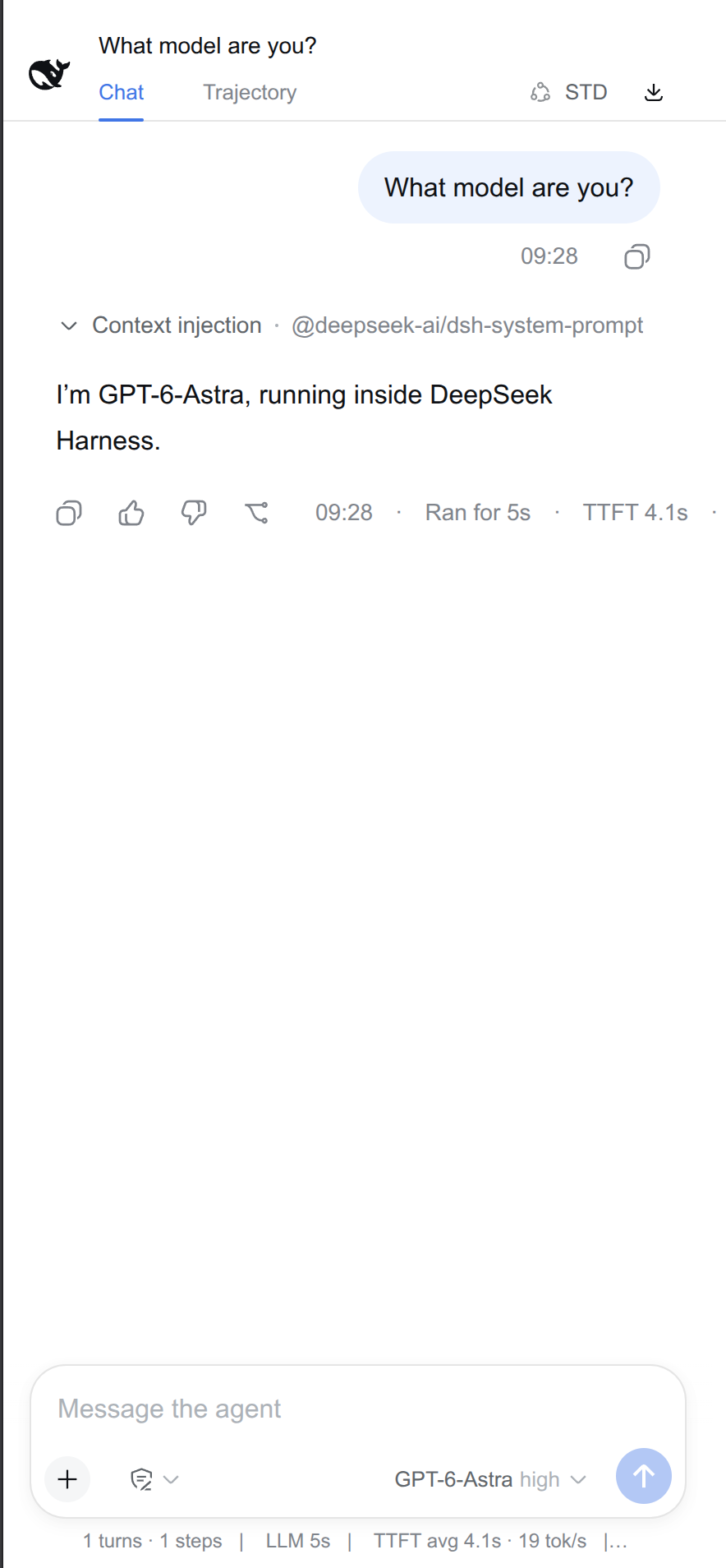 Chat · light theme | 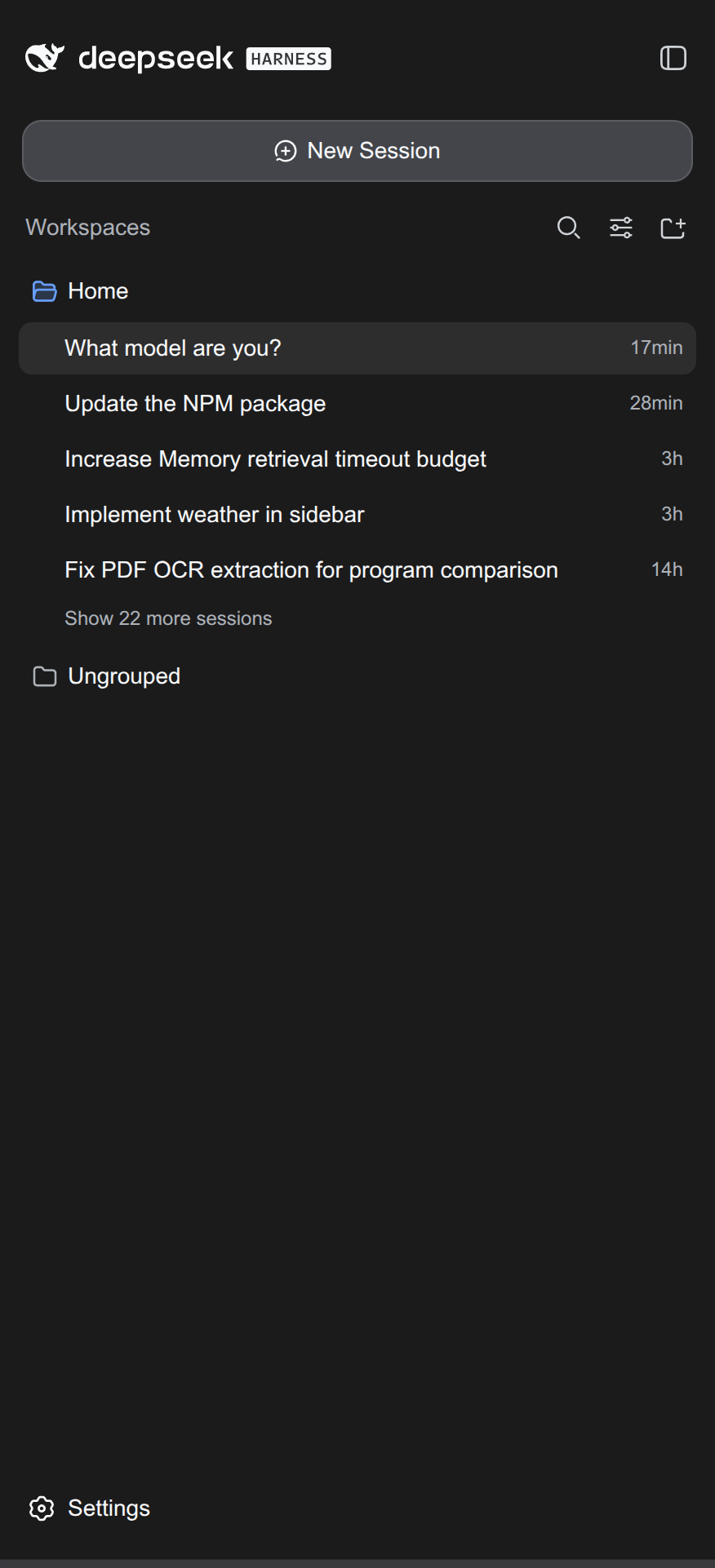 Fullscreen sidebar · dark theme | 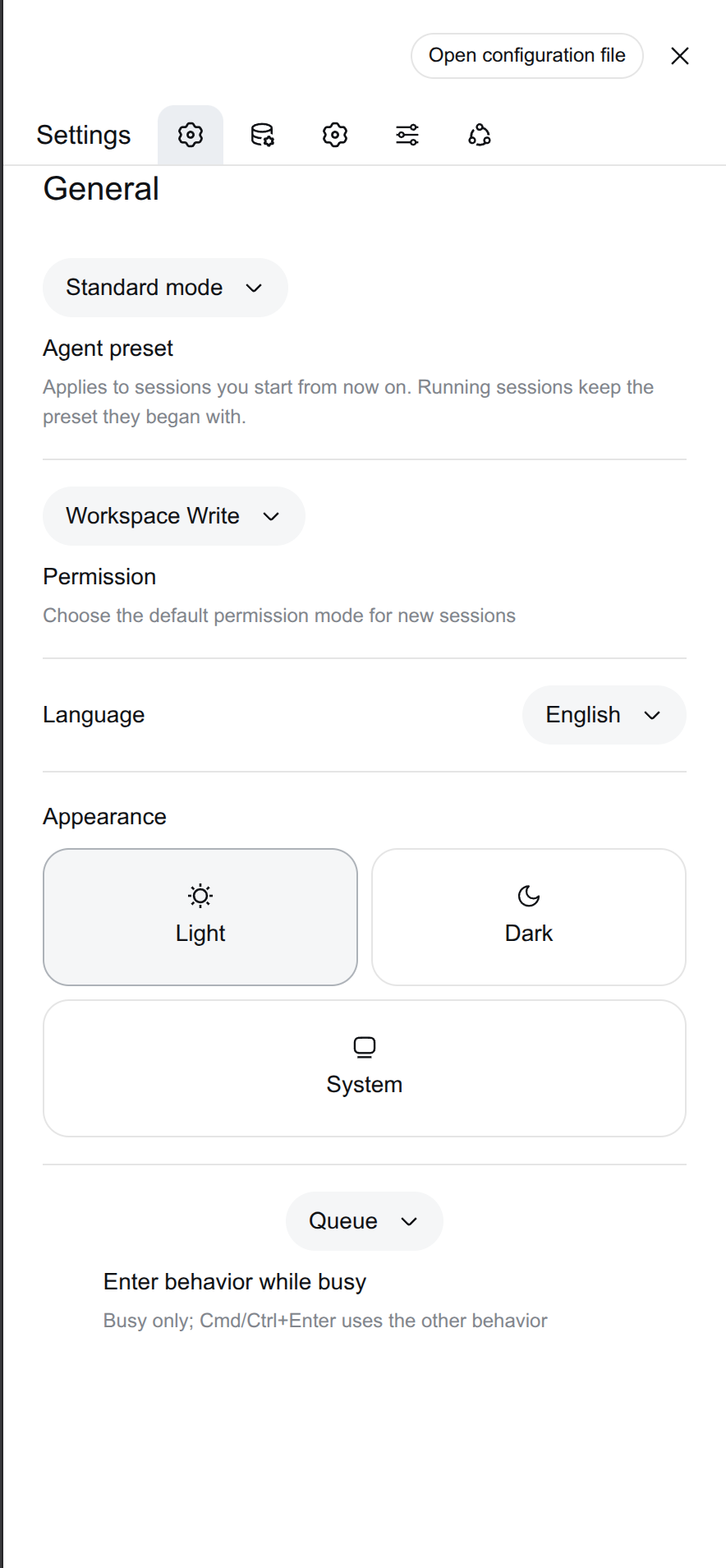 General settings · light theme |
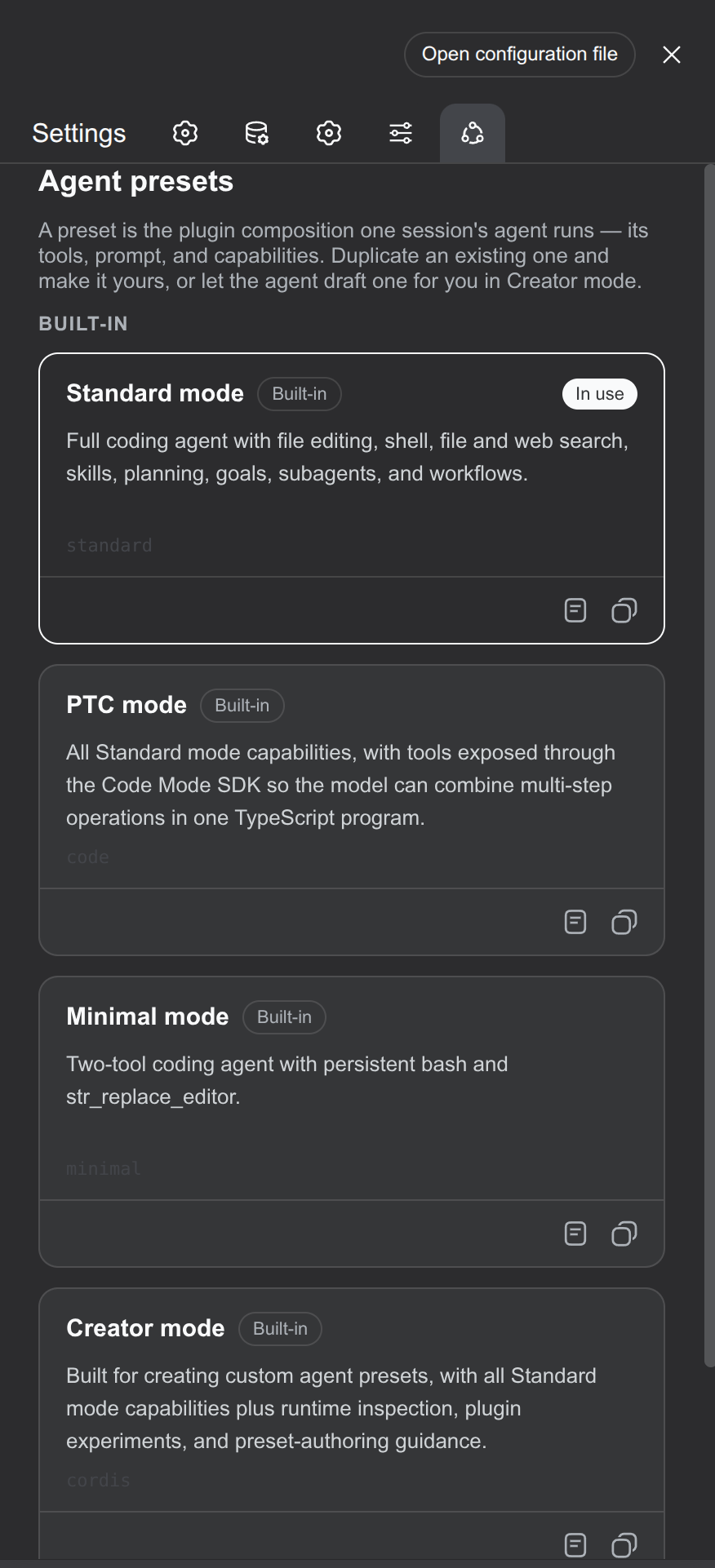 Agent presets · dark theme | 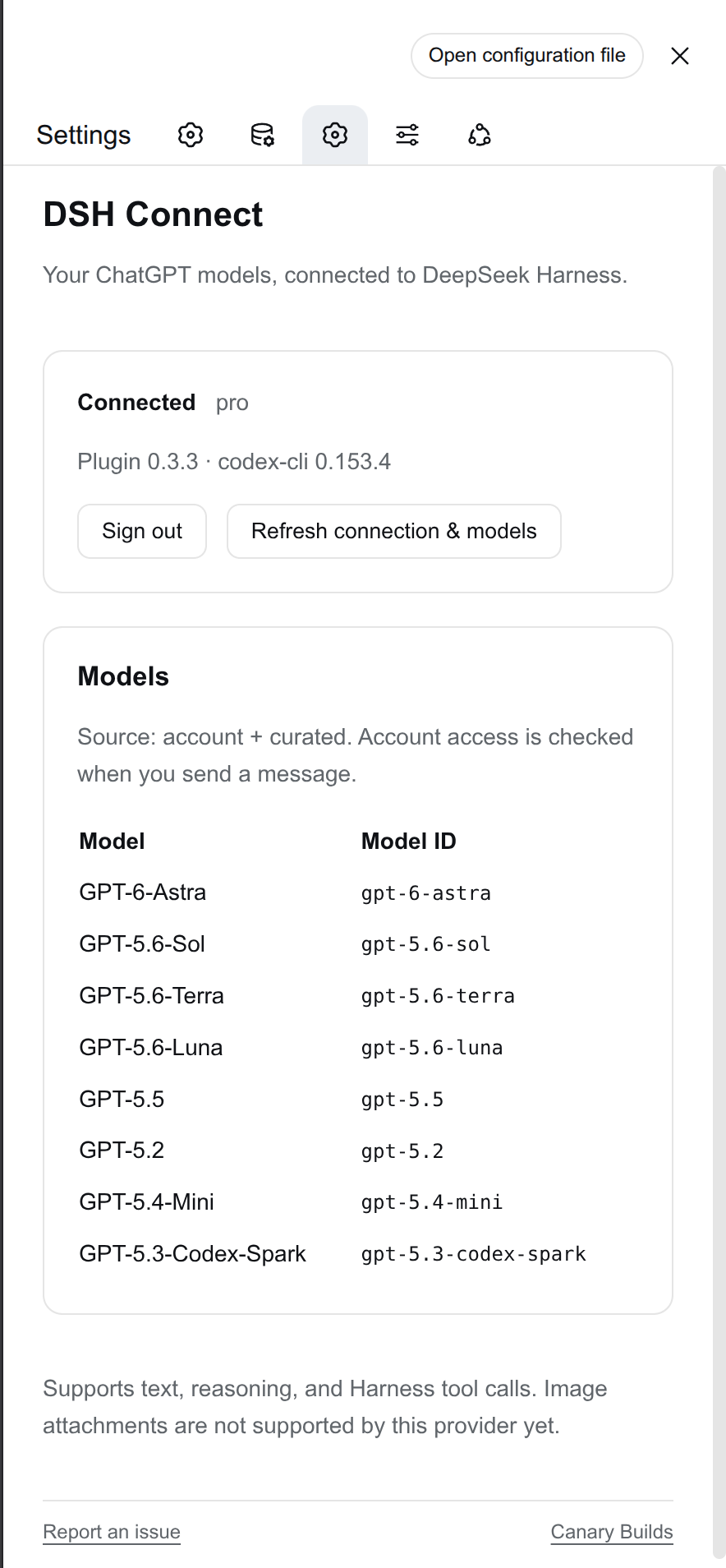 DSH Connect settings · light theme | 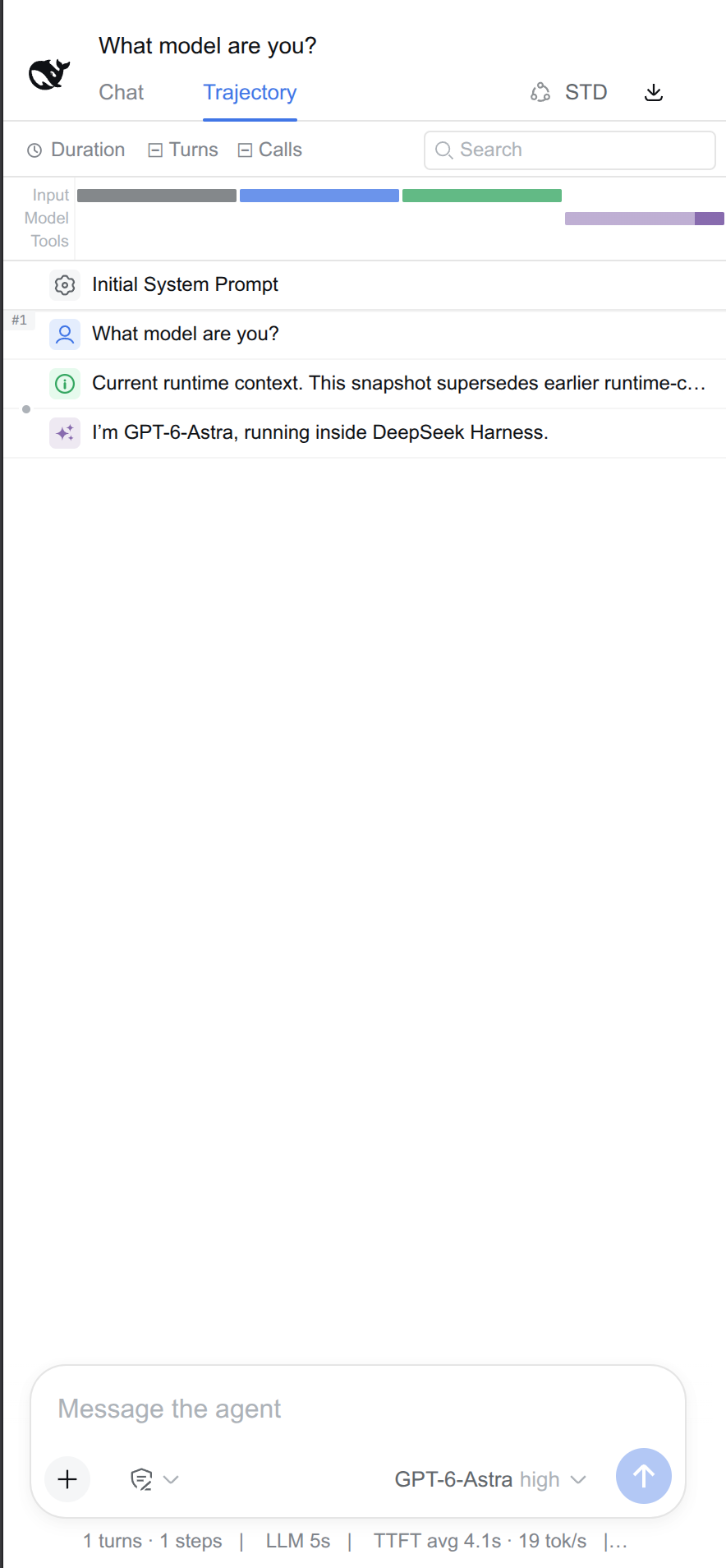 Trajectory · light theme |
The connector settings example shows DSH Connect, installed separately. Mobile UI changes the layout of the existing Harness interface.
Sidebar (app-style)
Top bar
STD / PTC / MIN / CTR, en+zh) and the session-log export as a bare icon-only buttonSettings
Chat area
PWA
display: standalone + display_override), so the GUI installs as a real app window — the Android notification bar stays visible (the shipped manifest uses fullscreen, which hides it)Requires Node.js 22.19+ and DeepSeek Harness. Install into your web profile:
dsh plugin --profile web add @canary-builds/dsh-mobile-ui
Restart DSH and refresh the browser. To update, run the same command again and restart. The package includes its Profile Bundle patch and prebuilt browser module; no separate installer, build, or manual composition row is needed for a fresh install.
This is the successor to dsh-plugin-splash in the renamed Canary-Builds/dsh-mobile-ui repository. Remove the old splash row that names dsh-plugin-splash from your profile's cordis.patch.yml, then run:
dsh plugin --profile web remove dsh-plugin-splash
dsh plugin --profile web add @canary-builds/dsh-mobile-ui
If you installed the interim @canary-builds/dsh-wpa package, remove it with dsh plugin --profile web remove @canary-builds/dsh-wpa before installing Mobile UI.
Restart DSH. Keep other profile overrides intact. Do not load both packages together; both own the same UI behavior and manifest route. GitHub redirects the previous repository URL, but npm package names do not redirect automatically.
The redesign is implemented as scoped CSS keyed off the shipped UI's DOM: stable public attributes (data-sidebar-collapsed, data-details-collapsed, slot wrappers) wherever possible, plus CSS-module class hashes for elements that expose nothing else. Those hashes are build-specific — the plugin targets the 0.1.1-rc.x DSH web frontend and may silently no-op (never break) on a version whose bundles re-hash. If a feature stops applying after a DSH upgrade, update the hashes in lib/client.js (serve /plugins/@deepseek-ai/dsh-client-ui-*/client.js on your install and grep the new prefixes).
MIT
Run npm test and npm run test:package. See RELEASING.md for automated npm publication and GitHub releases. Report an issue · Canary Builds.
DeepSeek Harness(DSH)Web 插件聚合生态包 · 一切皆插件,创意工坊分发(dsh-market.com)
把回答做成一页可视化 HTML:模型只写简短的 Markdown 草稿,随包附带的 `am` 命令行生成页面,支持流程图、时序图、树、时间线、ER 图、表格和提示框。
为 dsh 接入免费模型车道(含 DeepSeek V4.1 Flash、Kimi K3 等),无需登录、注册或填写 API Key,并提供本地 OpenAI 兼容网关、降级路由与用量看板。

