
dsh-web
zhu1090093659/dsh-webDeepSeek Harness(DSH)Web 插件聚合生态包 · 一切皆插件,创意工坊分发(dsh-market.com)

Windows desktop shell for DeepSeek's agent harness CLI (dsh). The installer bundles Node.js and dsh, so the official Web UI runs as a native app with tray, notifications, and theme following. No prerequisites.
English | Chinese
A desktop shell for deepseek-harness (dsh), DeepSeek's agent harness CLI. The installer bundles a portable Node.js runtime and the @deepseek-ai/dsh package, so the official dsh Web UI runs as a regular Windows application with no prerequisites.
Desktop: the official dsh Web UI in a native window, following your system theme.
| Dark | Light |
|---|---|
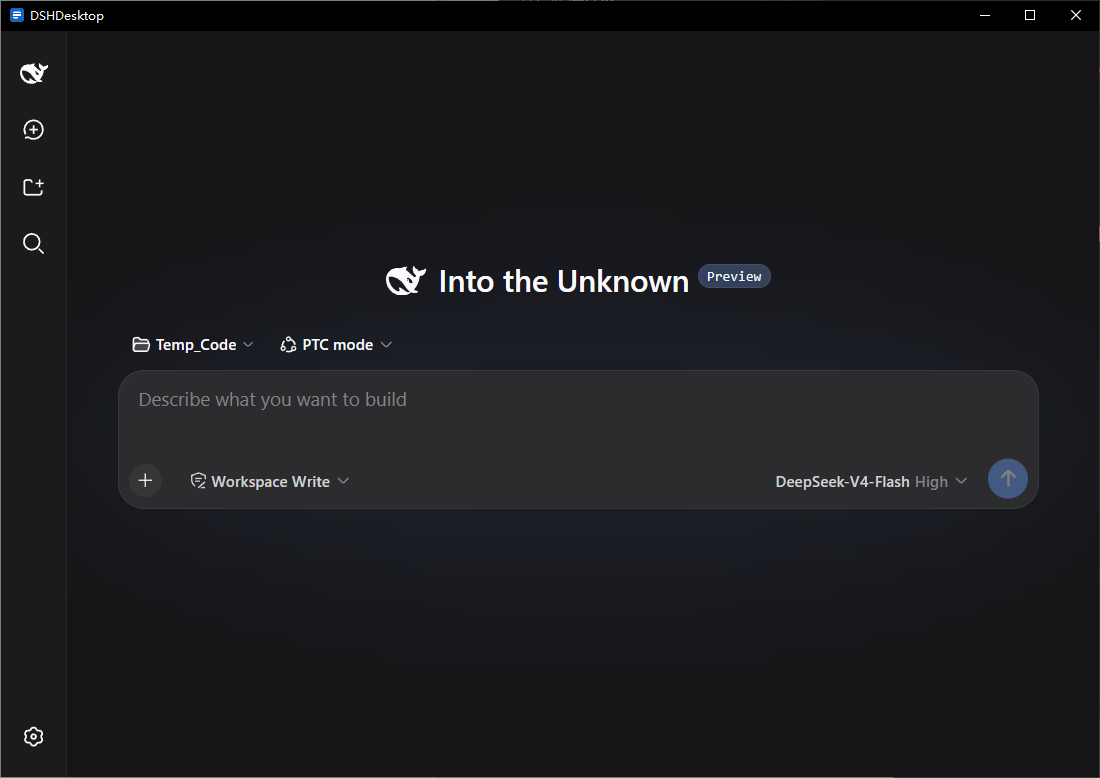 | 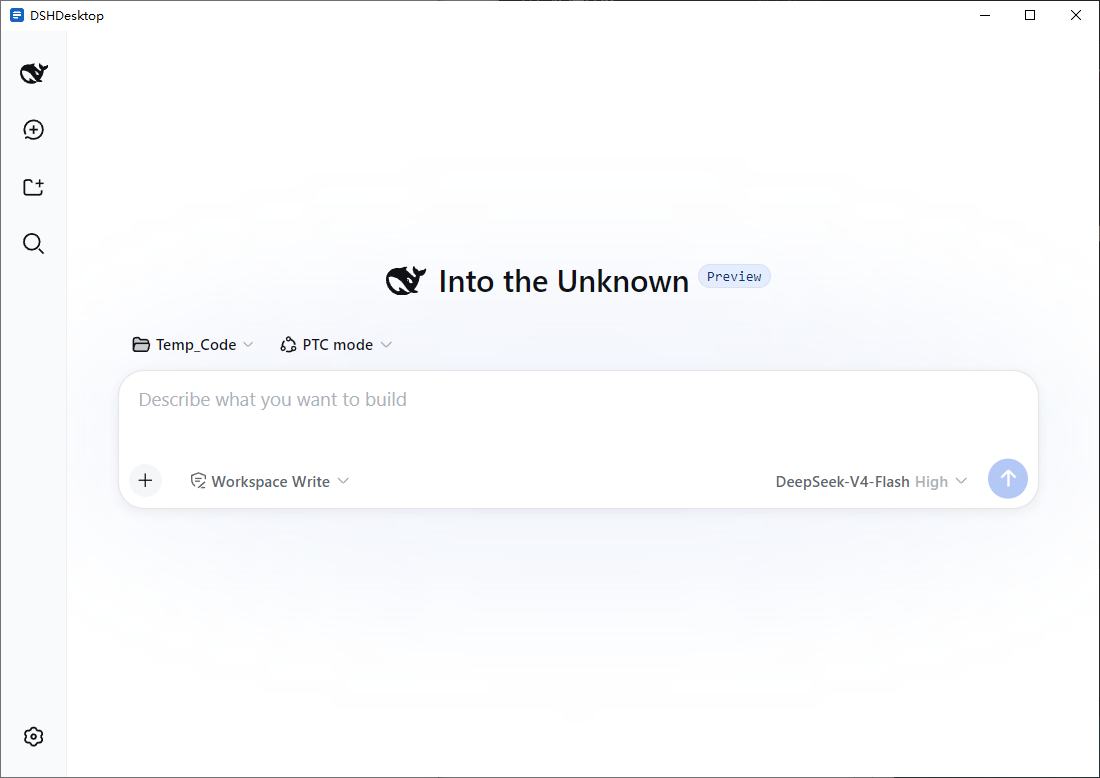 |
Mobile: one click in the tray menu puts the full Web UI on your phone through a Cloudflare Quick Tunnel.
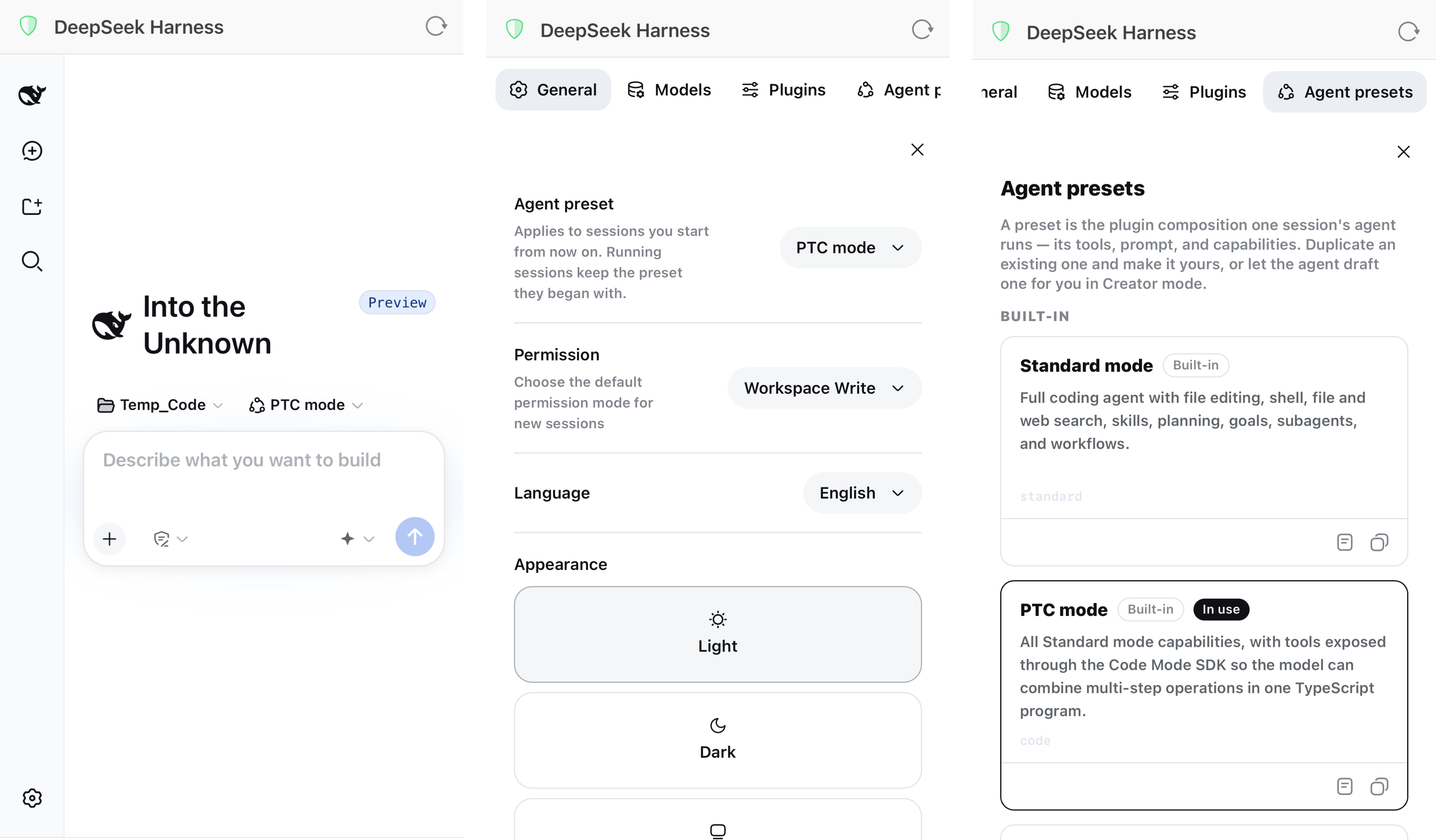
dsh web on a free loopback port and opens the official Web UI as soon as it is ready.Download DSHDesktop_<version>_x64-setup.exe from Releases and run it. No administrator rights are required; the app installs per user.
%LOCALAPPDATA%\DSHDesktop\ (dsh settings, sessions, and logs)DSHDesktop_<version>_x64-setup.exe /S (add /D=C:\path\to\dir to choose the install directory)DSHDesktop is an unofficial community shell. dsh itself is developed by DeepSeek at deepseek-ai/deepseek-harness.
main window (splash, then the official dsh Web UI at http://127.0.0.1:<port>)
      │ Tauri IPC
Rust core: runtime / process supervision / tray / notifications / theme / diagnostics
      │ spawn (no console window, DSH_HOME isolated under the app data directory)
bundled node.exe + dsh web --port <free port>   (binds 127.0.0.1 only)
dsh events (approval requested, question asked) are consumed over dsh's WebSocket channel /api/events.mux. With remote access enabled the chain gains a hop: phone → Cloudflare edge → cloudflared (outbound-only) → the shell's token-gate proxy on 127.0.0.1 → dsh. Everything platform-specific sits behind a Platform trait, leaving the door open for macOS and Linux. Full details in docs/design.md.
Prerequisites: Rust (stable), Node.js 22 or later, pnpm 11.
pnpm install

# prepare the bundled runtime (pick one)
powershell -File scripts/fetch-runtime.ps1        # real runtime (Node 24 + dsh 0.2.0-rc.1 + cloudflared)
powershell -File scripts/use-fixture-runtime.ps1  # lightweight fake-dsh fixture for shell debugging

pnpm tauri dev
Tests and checks:
cd src-tauri && cargo test     # Rust unit and integration tests (113)
pnpm check && pnpm build       # frontend type check and build
Package the NSIS installer:
powershell -File scripts/fetch-runtime.ps1
pnpm tauri build               # output: src-tauri/target/release/bundle/nsis/DSHDesktop_*_x64-setup.exe
End-to-end acceptance on a real install (uninstall, install, launch, full checks, screenshots):
powershell -File scripts/acceptance.ps1 -SetupExe src-tauri/target/release/bundle/nsis/DSHDesktop_0.1.0_x64-setup.exe
Windows x64 only for now. All platform differences are isolated behind src-tauri/src/platform/ (the Platform trait). Enabling the macOS and Linux rows in the CI matrix requires implementing platform/{macos,linux}.rs and teaching scripts/fetch-runtime.ps1 the new triplets. See section 10 of the design document.
DeepSeek Harness(DSH)Web 插件聚合生态包 · 一切皆插件,创意工坊分发(dsh-market.com)
把回答做成一页可视化 HTML:模型只写简短的 Markdown 草稿,随包附带的 `am` 命令行生成页面,支持流程图、时序图、树、时间线、ER 图、表格和提示框。
在 dsh 里装上这个插件即可,无需登录、注册或填 API Key,就能使用包括 Muse Spark 1.3、MiMo V2.6 在内的前沿模型——完全免费,不限量。 All you do is install this plugin in dsh: no login, no sign-up, no API key — the frontier models are just there, Muse Spark 1.3 and MiMo V2.6 among them. Completely free, with no usage cap.

