
dsh-web
zhu1090093659/dsh-webDeepSeek Harness(DSH)Web 插件聚合生态包 · 一切皆插件,创意工坊分发(dsh-market.com)

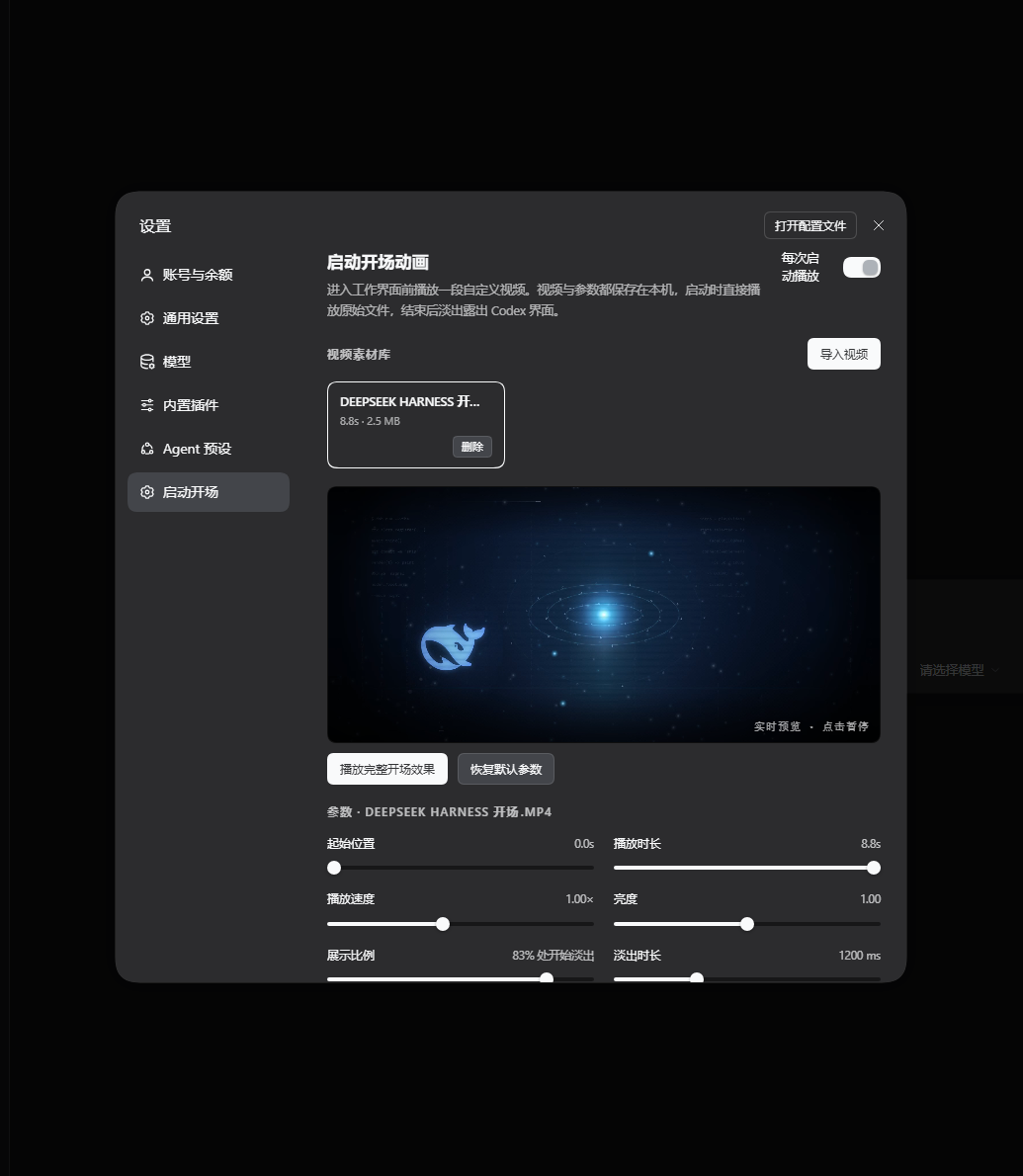
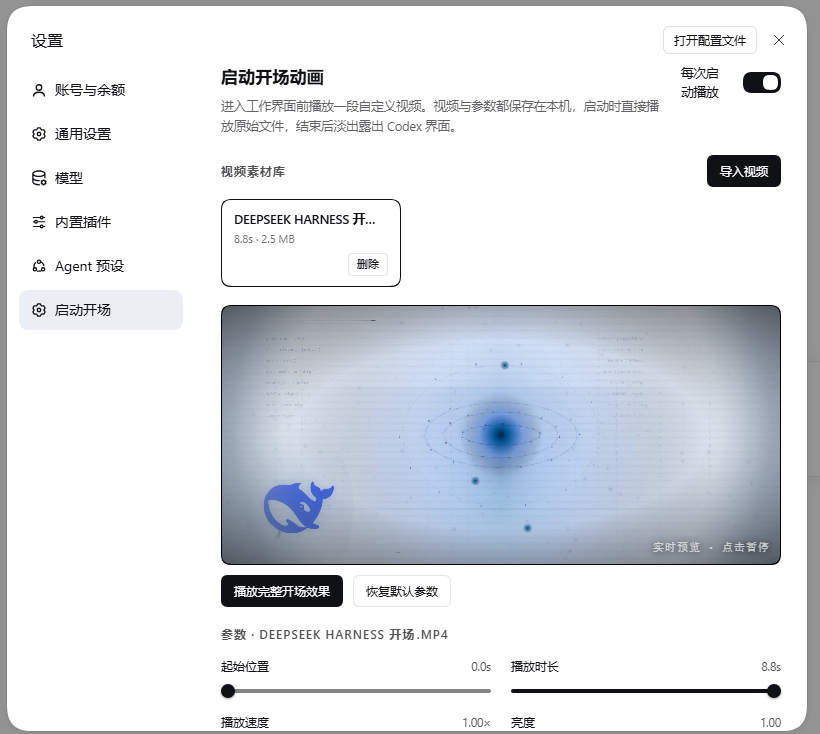
启动时播放视频开场,每段素材可独立调节播放片段、速度、亮度、画面适配、影院模糊填充、展示比例与淡出时长,并按应用浅色/深色外观自动选择对应版本。
给 DeepSeek Harness 加一个可自定义视频的启动开场:导入自己的视频素材,选中哪段,之后每次启动就播哪段;片段、速度、亮度、画面适配、影院填充、展示比例与淡出时长都能调,支持实时预览;播完交叉淡出,直接过渡到工作台。动画还会跟随 DSH 的浅色 / 深色外观自动选版。
A video-powered boot intro plugin for DeepSeek Harness: import clips, keep per-clip playback settings, preview live in Settings, then cross-fade into the workbench at every launch. Ships with a procedurally generated demo intro (dark & light cuts).



mp4 / webm / mov 等 Chromium 能解码的格式),删除、切换选中;每段素材各自保存一套参数。body[data-ds-dark-theme])自动选择深色版 / 浅色版同一素材;设置页预览也会随外观实时换版。~/.dsh/startup-intro/,卸载插件不会删除素材。先确认 dsh 可用(DeepSeek Harness 自带 CLI,Electron 桌面版安装目录 resources/runtime/cli/bin/dsh.cmd)。
git clone https://github.com/zoe1nan/dsh-startup-intro.git
dsh plugin --profile desktop add /path/to/dsh-startup-intro
pnpm pack            # 或 npm pack,得到 dsh-startup-intro-1.1.0.tgz
dsh plugin --profile desktop add /path/to/dsh-startup-intro-1.1.0.tgz
若 pnpm 报
[ERR_PNPM_UNKNOWN] ... open '.../pnpm/store/...',改用目录安装即可绕过(本地 link 依赖)。
安装完成后重启 DeepSeek Harness(Electron 桌面版重启才会加载新 bundle)。打开 设置 → 启动开场 即可看到插件页面。
Ctrl+Alt+,)→ 左侧「启动开场」。demo/ 下是两段程序化生成的示例开场(1920×1080 / 8.8s / 30fps,各 2–3 MB):
| 文件 | 用途 |
|---|---|
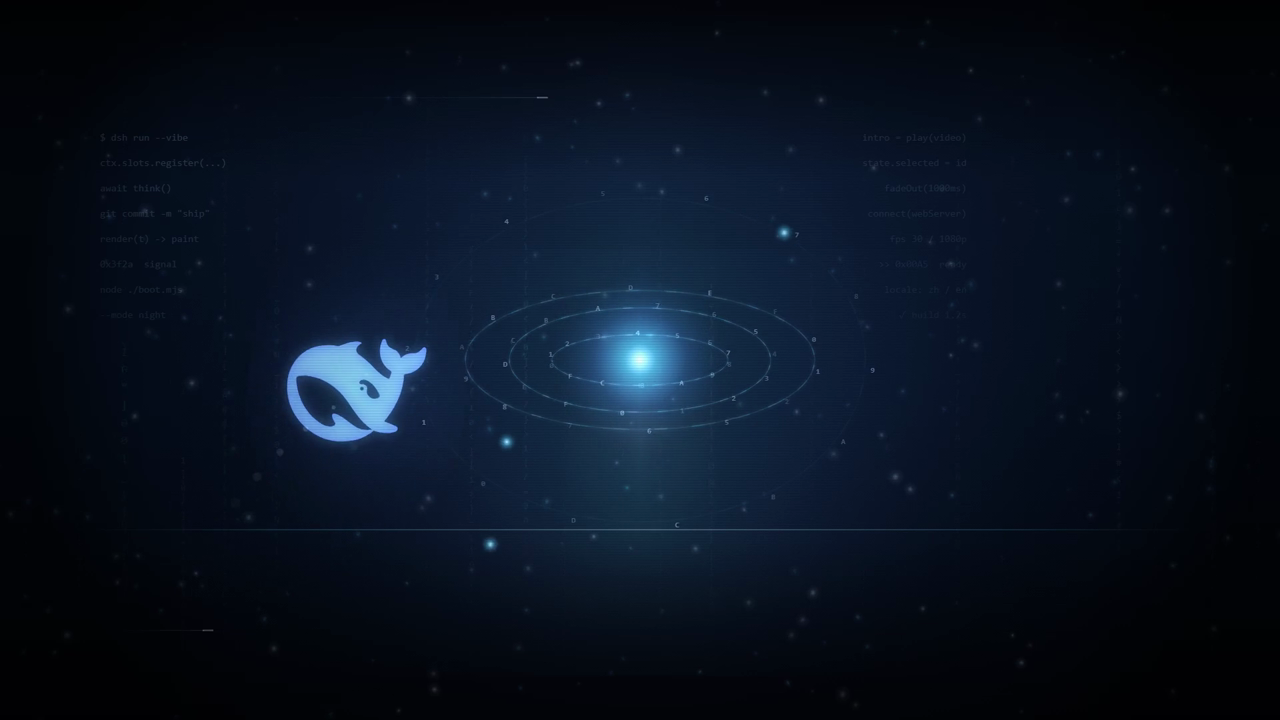
demo/startup-intro-dark.mp4 | 深色外观版:深蓝夜空 + 轨道环 + 原生小蓝鲸 |
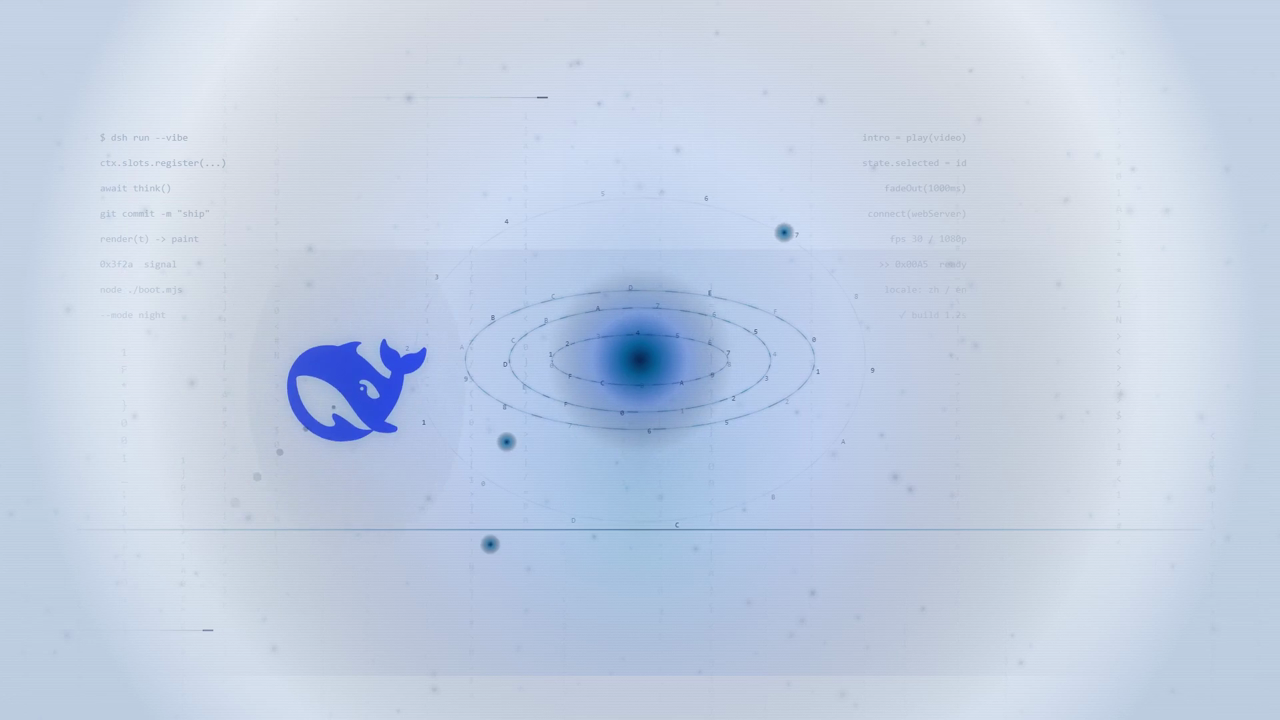
demo/startup-intro-light.mp4 | 浅色外观版:纸面蓝墨 + 同构图的墨色鲸 |
一键写入本机素材库并选中:
node tools/seed-demo.mjs
也可以直接在设置页「导入视频」里选这两个文件。生成源码见 demo/source/intro-art.html(?t=<ms> 可定位到任意帧,&theme=light 输出浅色版)。
素材条目支持可选的 lightFile 字段(同一素材的浅色版):
// ~/.dsh/startup-intro/state.json
{
  "version": 1,
  "enabled": true,
  "selectedId": "v9f2b7c4e1a8d3605c7be",
  "videos": [
    {
      "id": "v9f2b7c4e1a8d3605c7be",
      "name": "DEEPSEEK HARNESS 开场.mp4",
      "file": "v9f2b7c4e1a8d3605c7be.mp4",
      "lightFile": "v9f2b7c4e1a8d3605c7be-light.mp4",
      "meta": { "duration": 8.8, "width": 1920, "height": 1080 },
      "params": {
        "start": 0, "duration": 8.8, "speed": 1, "brightness": 1,
        "fit": "cover", "cinema": true,
        "holdRatio": 0.83, "fadeMs": 1200, "muted": true
      }
    }
  ]
}
把浅色版文件放进 ~/.dsh/startup-intro/media/,并在对应条目加上 lightFile 即可:深色外观播 file,浅色外观播 lightFile。不填 lightFile 时两种外观播放同一文件。
index.js               Host 半边:状态 / 上传 / 删除 / 媒体直出路由
client.js              Client 半边:启动浮层(shell.overlay)+ 设置页(settings.section)
cordis.patch.yml       bundle 挂载声明
locale/{zh,en}.json    设置页导航与插件卡片的标题 / 描述
icon.svg               插件图标
demo/                  示例开场素材与生成源码
tools/seed-demo.mjs    把 demo 素材写入本机素材库
ctx.webServer.register({ kind: 'prefix', path: '/startup-intro' }) 提供
GET/POST /api/state、POST /api/upload、POST /api/delete、GET /media/<file>(支持 Range / 206)。
所有请求都会先过 connection.requestRejection(req),未授权直接 401。ctx.slots.inject('shell.overlay', ...) 注册启动浮层(createPortal 到 body,保证盖过启动弹窗);
ctx.slots.inject('settings.section', ...) 注册设置页。用 MutationObserver 监听 body[data-ds-dark-theme] 切换素材版本。~/.dsh/startup-intro/state.json,由设置页自己读写。不想污染现有 profile 时,可以起一个独立测试实例:
# 用内置模板建一个独立 profile(与 desktop 隔离)
dsh introtest --from-default-profile web --dump-config
dsh plugin --profile introtest add /path/to/dsh-startup-intro

# 启动测试实例(--no-open 不弹窗,输出带 token 的调试 URL)
dsh introtest --no-open --port 63411

# 用完清理
rm -rf ~/.dsh/profiles/introtest
client.js / index.js:刷新页面即可生效(客户端 bundle 每次加载时重新取)。package.json / cordis.patch.yml:需要重启实例。示例开场的生成源码在 demo/source/intro-art.html:纯 canvas 2D 程序化动画,?t=<毫秒> 可定格任意帧,&theme=light 输出浅色版。逐帧截图后再用 ffmpeg 编码即可(仓库未附渲染脚本,按你的环境选 Edge headless / Playwright)。
MIT
DeepSeek Harness(DSH)Web 插件聚合生态包 · 一切皆插件,创意工坊分发(dsh-market.com)
把回答做成一页可视化 HTML:模型只写简短的 Markdown 草稿,随包附带的 `am` 命令行生成页面,支持流程图、时序图、树、时间线、ER 图、表格和提示框。
在 dsh 里装上这个插件即可,无需登录、注册或填 API Key,就能使用包括 Muse Spark 1.3、MiMo V2.6 在内的前沿模型——完全免费,不限量。 All you do is install this plugin in dsh: no login, no sign-up, no API key — the frontier models are just there, Muse Spark 1.3 and MiMo V2.6 among them. Completely free, with no usage cap.

