
dsh-web
zhu1090093659/dsh-webDeepSeek Harness(DSH)Web 插件聚合生态包 · 一切皆插件,创意工坊分发(dsh-market.com)

LeetCode Hot 100 learning plugin for DeepSeek Harness (DSH): lessons, sandboxed judge, AI tutor, spaced review, and an AI agent that adds LeetCode problems from a plain description. 力扣热题 100 学习插件。
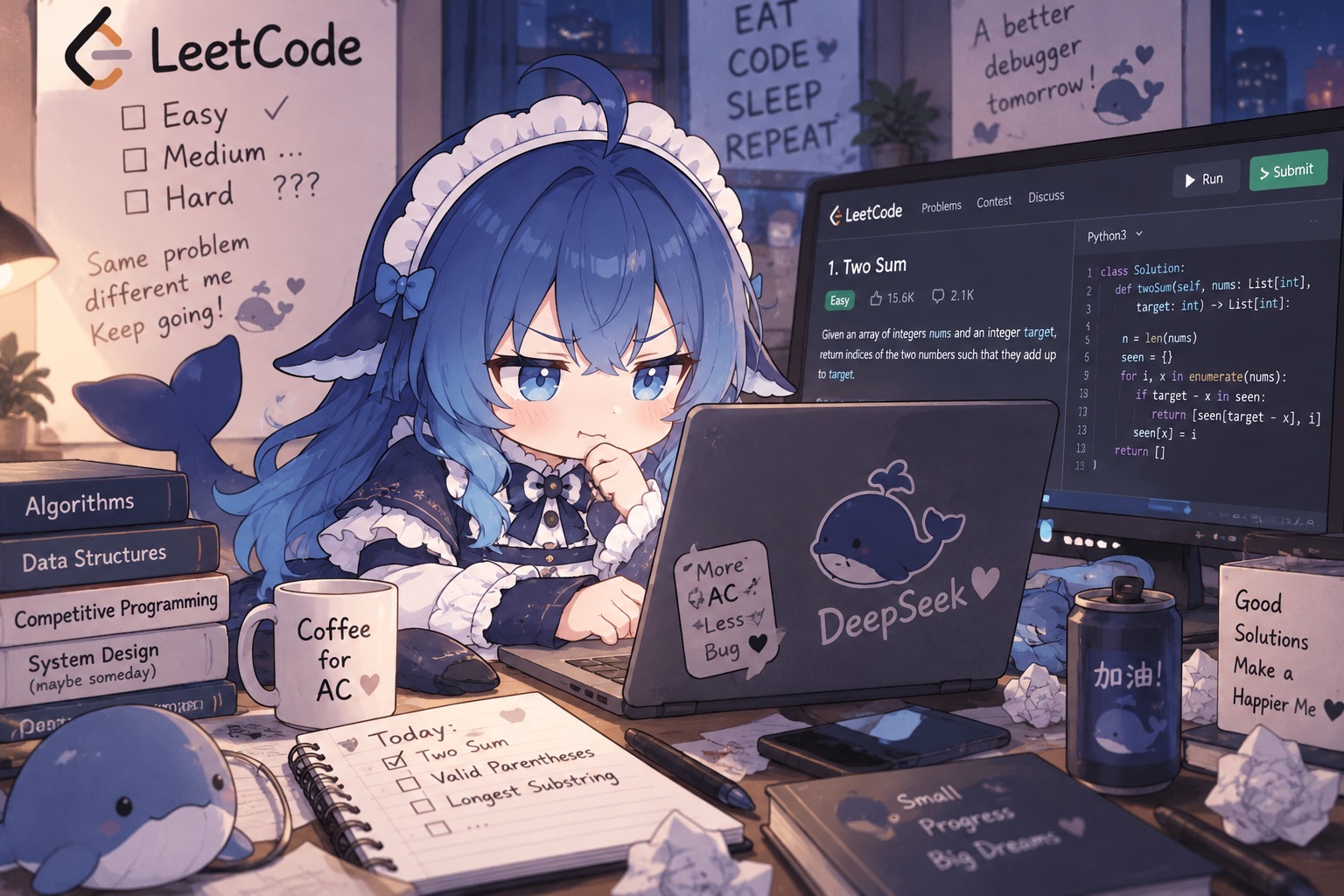
Learn algorithms inside DeepSeek Harness: lessons, all of LeetCode Hot 100, a sandboxed judge, and an AI tutor.
English | 中文
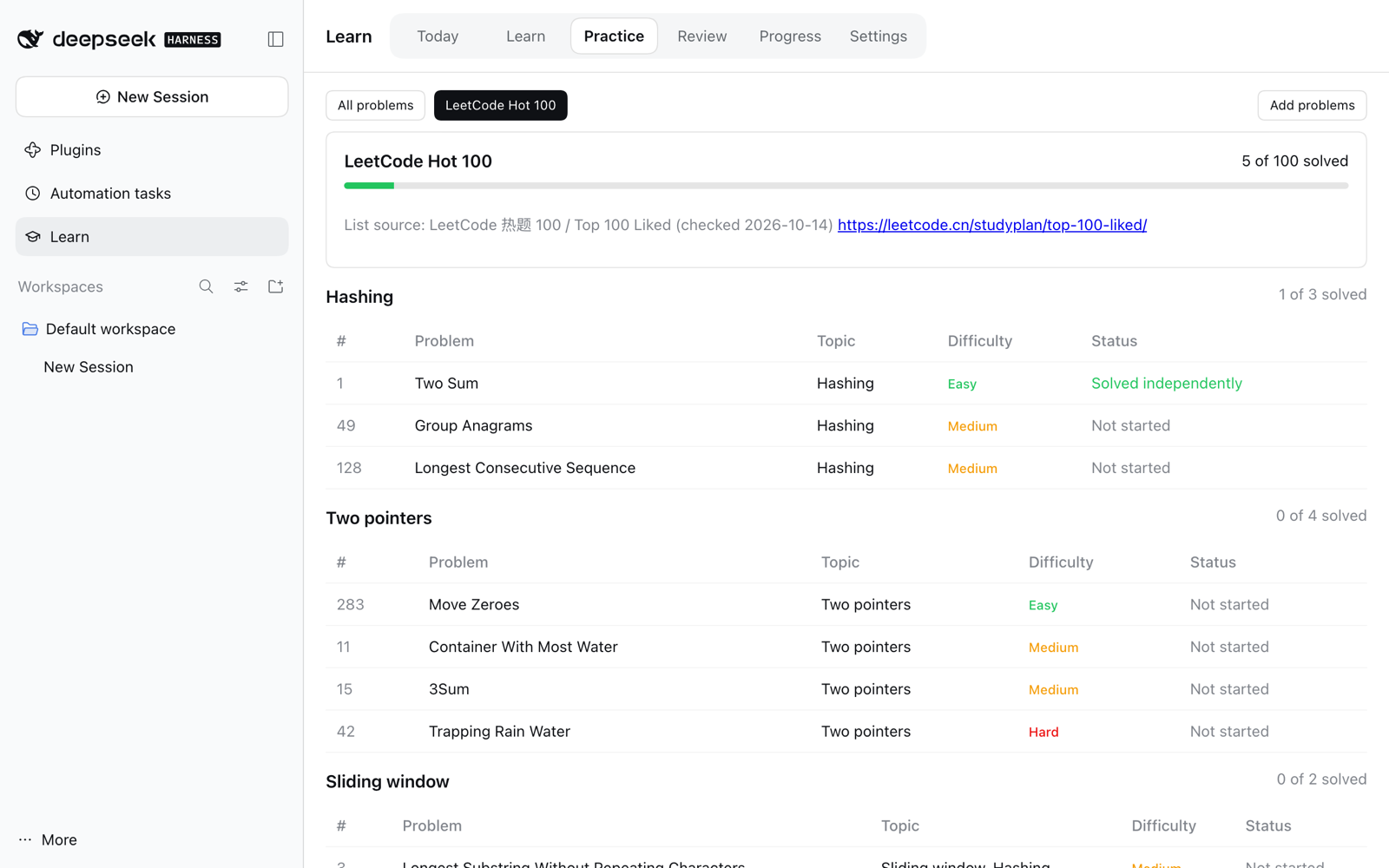
Hot 100 — LeetCode's own grouping, with your progress per group
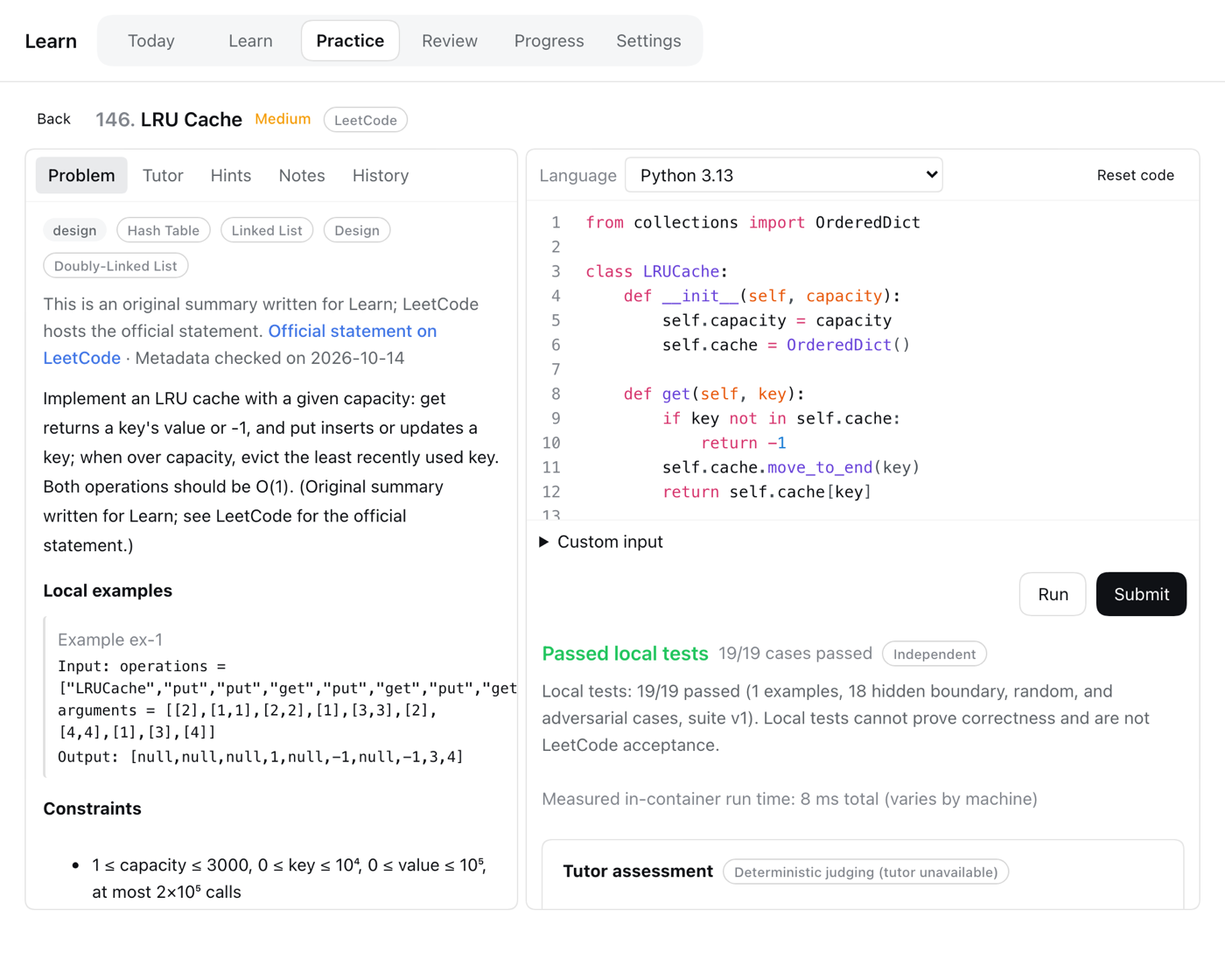 | 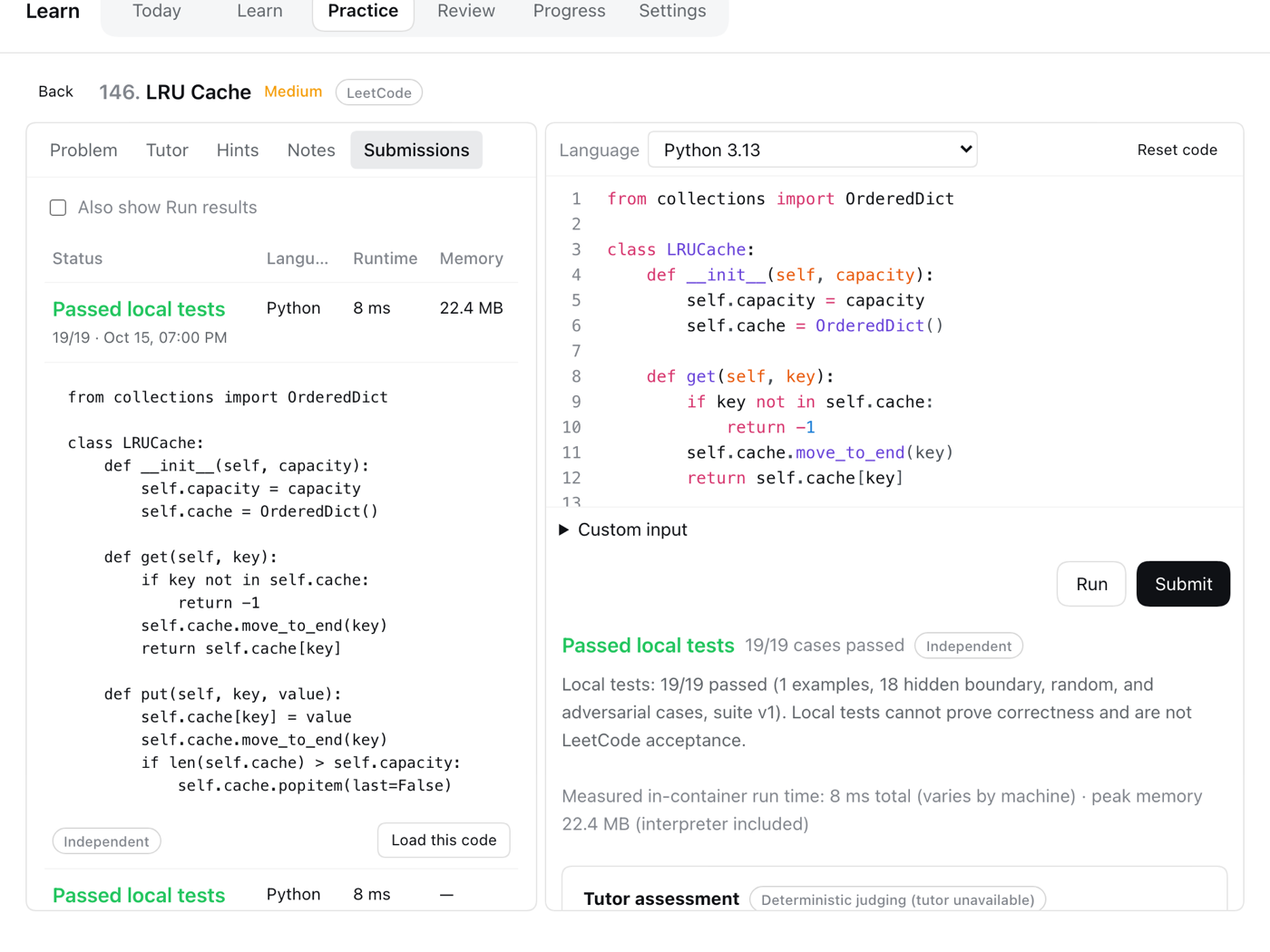 |
| Solve — editor, Run and Submit, hidden tests | Submissions — runtime, memory, and every past attempt |
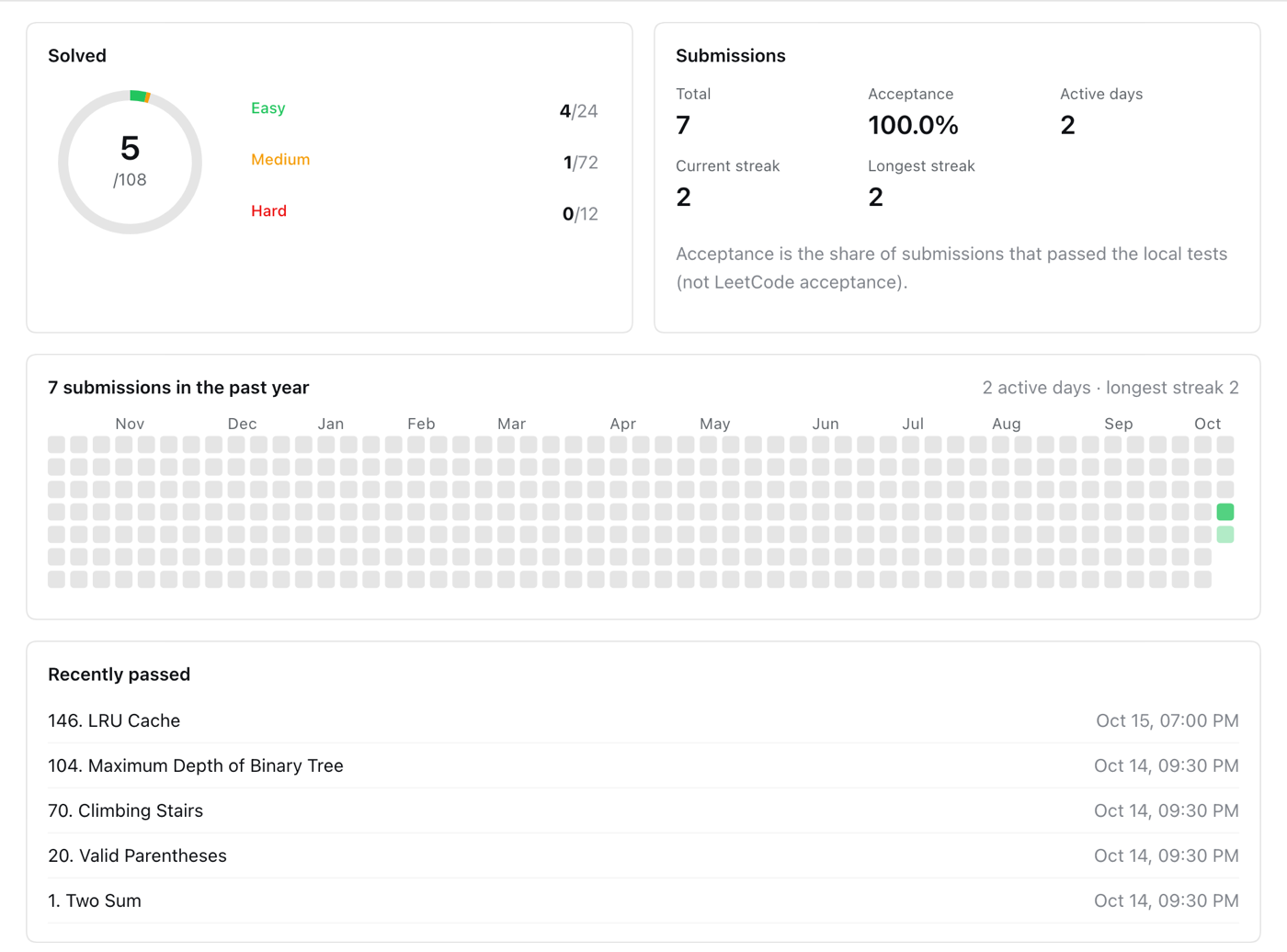
Your record — solved by difficulty, a yearly calendar, streaks, and recent passes
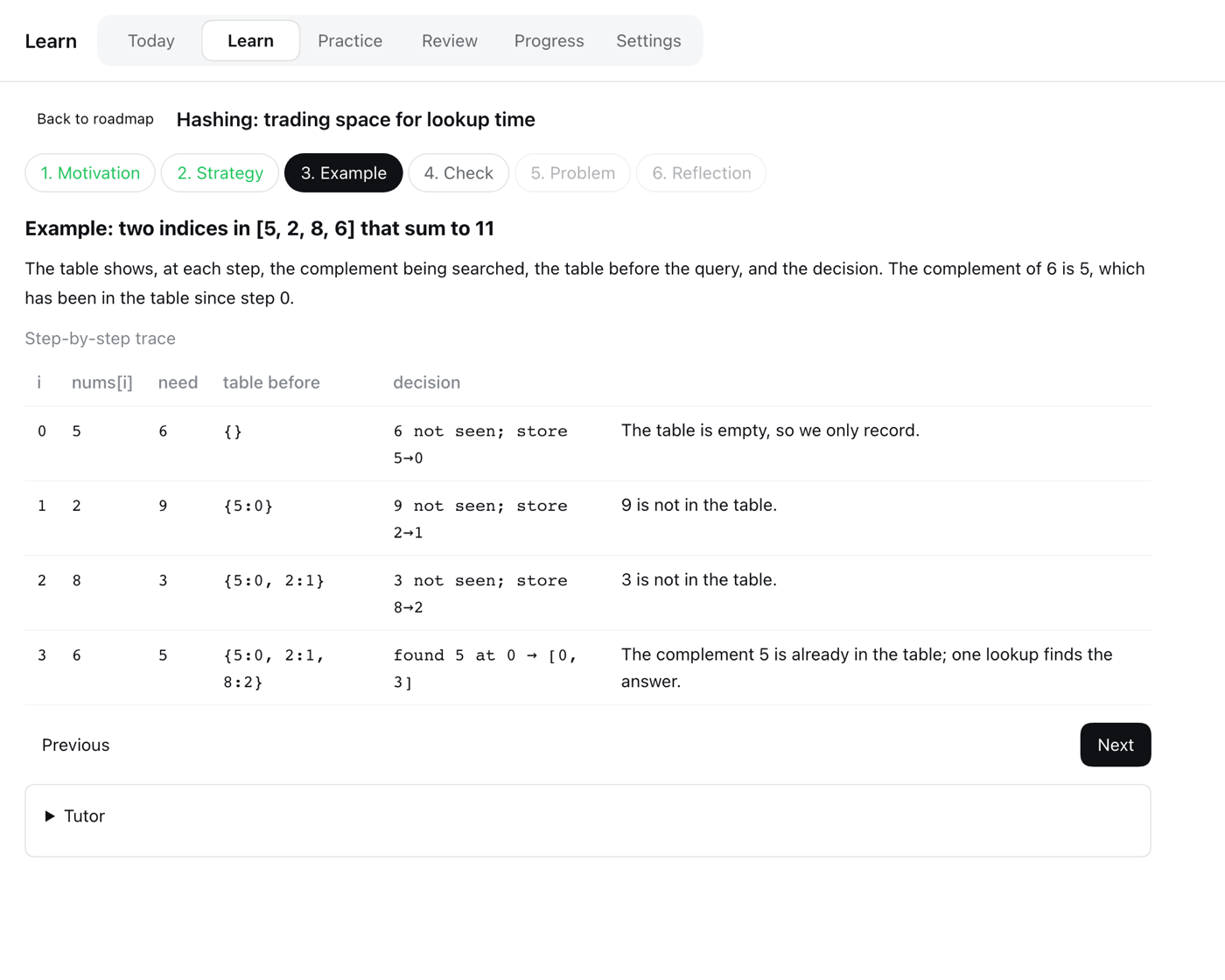 | 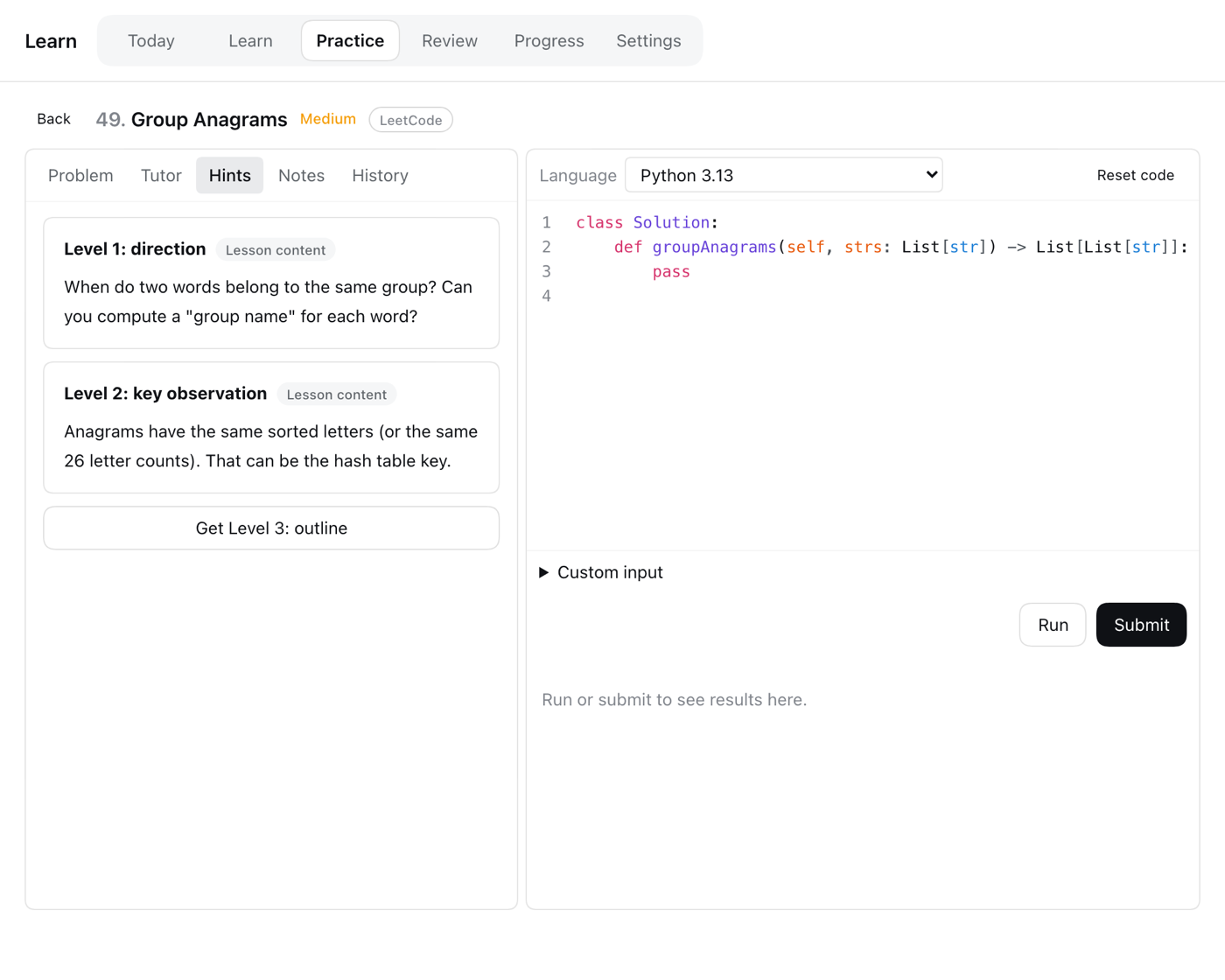 |
| Learn — worked examples you can trace | Hints — direction, key idea, outline, solution |
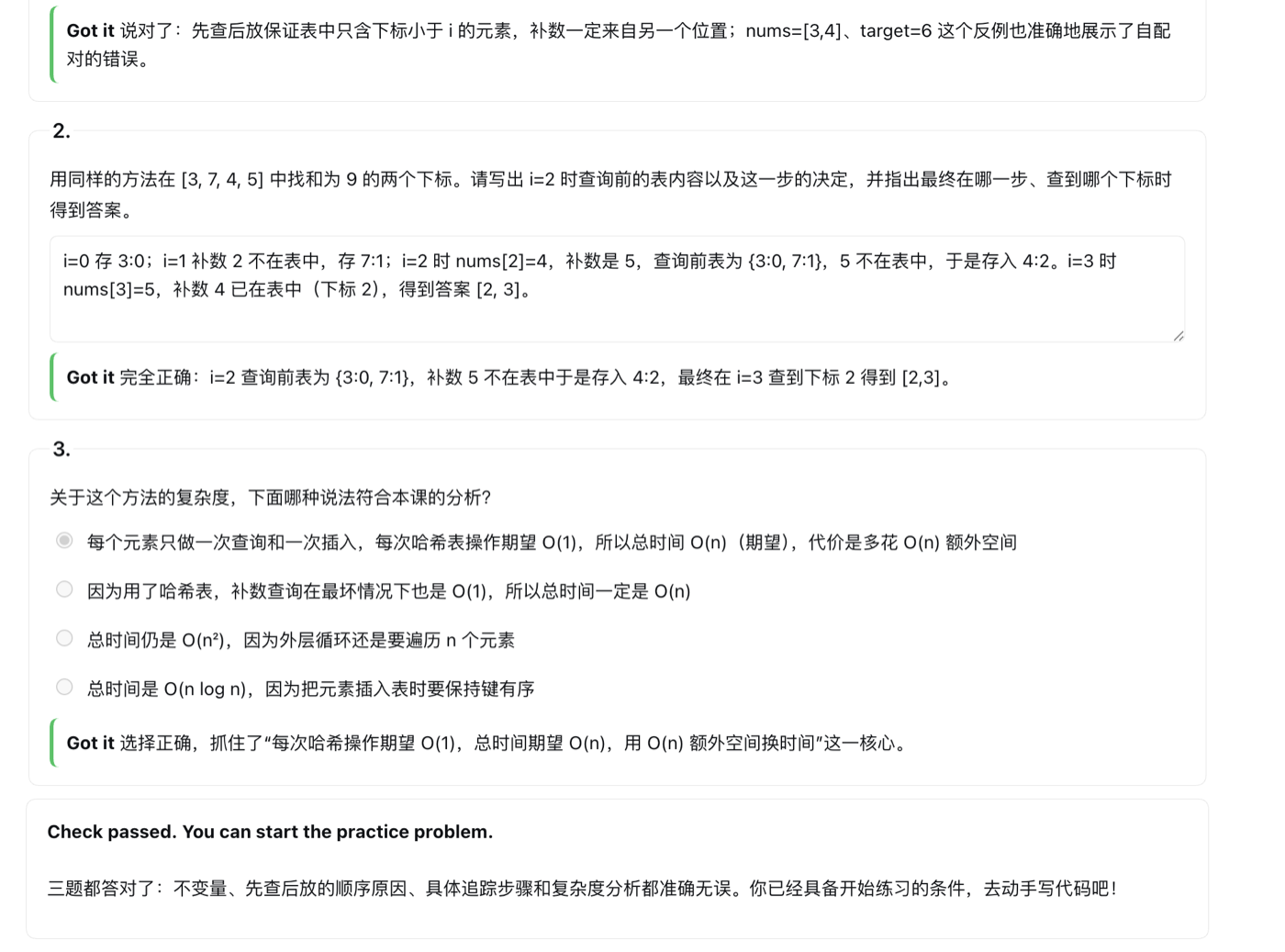
Tutor check — questions written for the lesson, answers reviewed by the tutor (real DeepSeek output)
Also included: an AI tutor chat, spaced-repetition reviews with fresh validated variants, progress by concept, and optional daily reminder email.
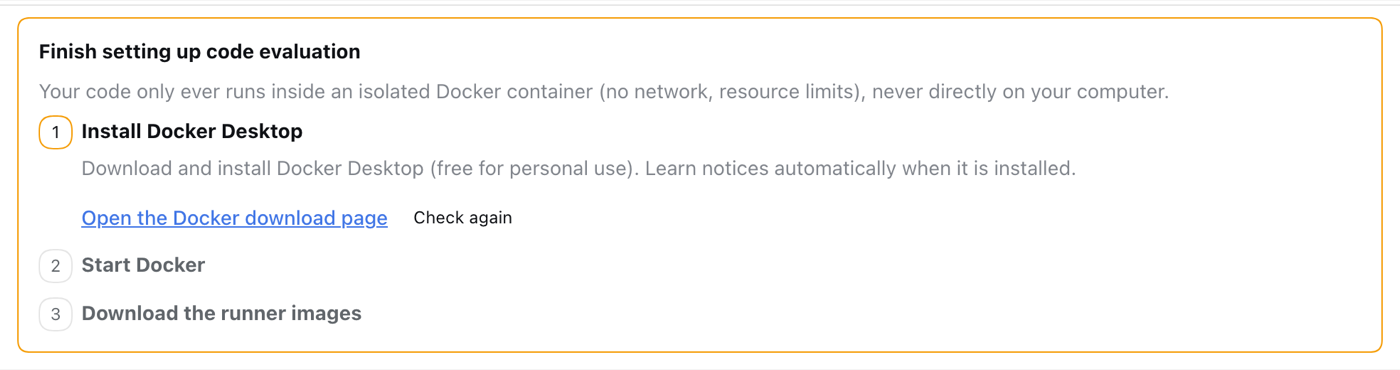
Install Docker Desktop. Learn then guides the rest: it can start Docker and download the runner images with one click, or run docker pull python:3.13-alpine node:24-alpine yourself.
Install the plugin from github:kapelame/deepseek-harness-leetcode:
Desktop: Plugins → install from GitHub.
Web:
dsh plugin --profile web add github:kapelame/deepseek-harness-leetcode
dsh web
Open Learn in the sidebar. Explanations default to Chinese; switch to English in Learn → Settings.
Needs DSH 0.2.0-rc.2 or newer, below 0.3 (tested on 0.2.0-rc.2 and 0.2.1-alpha.3). A default model (for example, signed in to DeepSeek) is optional: it powers the tutor, tutor-written lesson checks, AI feedback, and Add problems. Running, judging, written hints, and the lessons' built-in check questions work without one.
Quit Desktop completely, then run its bundled CLI and reopen Desktop:
"/Applications/DeepSeek Harness.app/Contents/Resources/runtime/cli/bin/dsh" plugin --profile desktop add github:kapelame/deepseek-harness-leetcode
The repository ships prebuilt files in lib/, so installing runs no build script. Pin a commit for reproducible installs: github:kapelame/deepseek-harness-leetcode#<commit>.
Every verdict comes from test execution only. Your code runs in a Docker container with no network, a read-only filesystem, and memory, CPU, and process limits; expected answers never enter the container. Each suite combines official example inputs with hidden boundary, random, and large cases, built from a reference solution and checked against an independent brute-force solution. A pass means "passed local tests", not LeetCode acceptance. The optional AI judge adds feedback but can never change the verdict.
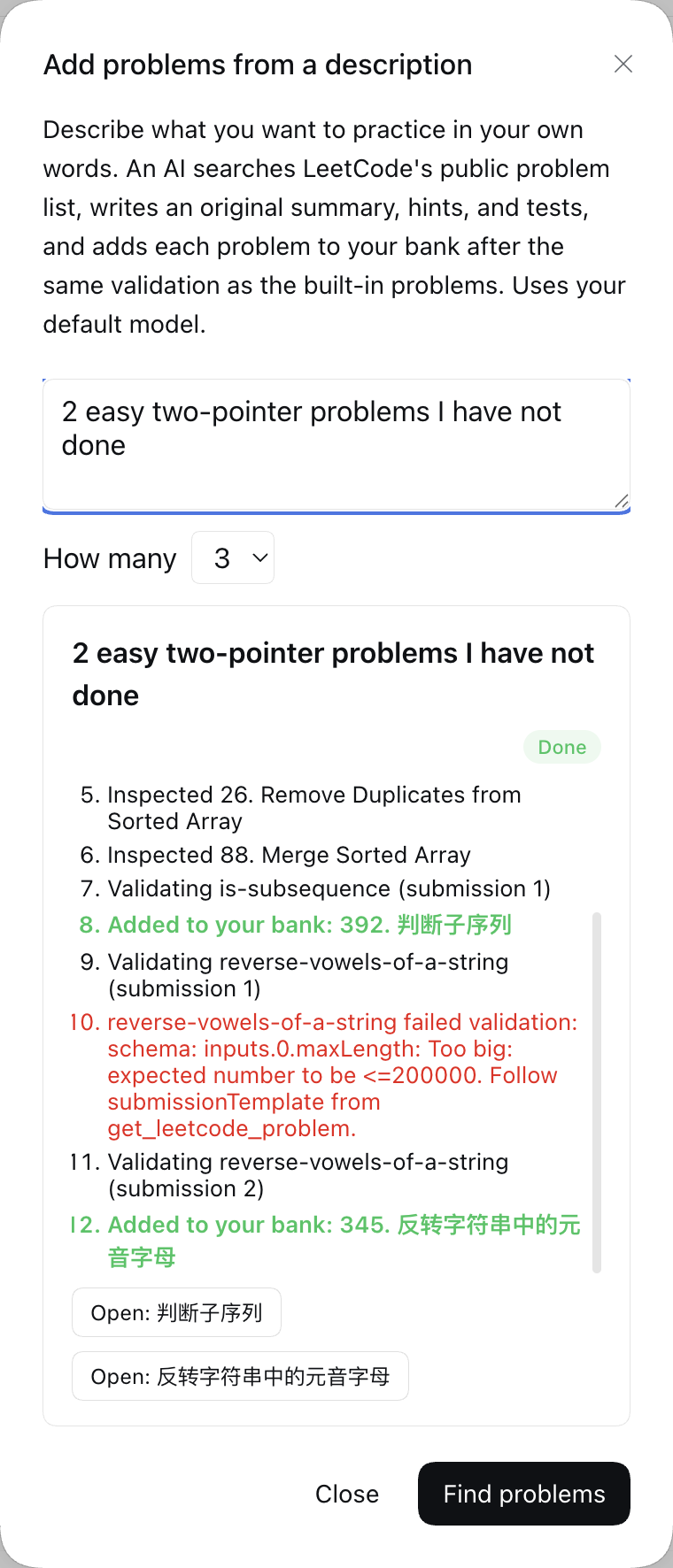
Practice → Add problems. Describe what you want and pick how many (1–5). Progress streams live, and you can stop at any time; problems already added stay.
skills/learn-problem-author/SKILL.md, which is visible only to the finder agent, never in your normal Sessions.agents.judge: false), hints, tutor chat, reflections, and variant generation send the problem summary and your code to that model through DSH. Lesson checks send the lesson and your answers. Add problems sends your description and LeetCode metadata, never your code. Each run appears in your Session history.The plugin adds two rows to your profile: learn (the service) and learn-ui (the Remote API and UI). Override settings in the profile's cordis.patch.yml. A patch replaces the row's whole config, so keep dataRoot:
- id: learn
  config:
    dataRoot: !!js dshHomePath('learn')
    defaultLocale: en
    reviewDailyLimit: 3
    agents:
      judge: false              # deterministic judging only, no AI feedback
      variantGeneration: true
    finder:
      enabled: true
      maxProblems: 5            # problems per Add problems run
      maxSubmissionsPerProblem: 3
      maxLeetcodeRequests: 40   # LeetCode requests per run
      requestIntervalMs: 1000
    email:
      transport: capture        # 'smtp' sends only with liveSendingAuthorized: true
Data lives in learn/ under your DSH home (~/.dsh by default); Settings can export it as JSON or reset it.
Real email needs email.transport: smtp, email.liveSendingAuthorized: true, email.smtp.host/port/user, and the SMTP password stored as the DSH credential named by email.smtp.passwordRef (default DSH_LEARN_SMTP_PASSWORD). Without implicit TLS, STARTTLS is required.
email.publicBaseUrl.source/ holds three DSH workspace packages built with the DSH toolchain:
git clone https://github.com/deepseek-ai/deepseek-harness.git dsh
git -C dsh checkout dsh-v0.2.0-rc.2
node scripts/build.mjs ./dsh    # copy sources in, install, build, assemble lib/
Use --skip-install to rebuild an installed checkout. Run tests inside the checkout with npx vitest run packages/experimental/learn/tests (needs Docker).
Content lives in content/ (content/collections/hot-100.yaml lists the Hot 100 groups). Each problem has YAML metadata with input domains, a reference solution, an independent brute-force oracle, optional hooks, and a frozen, validated test suite. authoring/ holds the scripts that generate the Hot 100 content and freeze its suites.
MIT
DeepSeek Harness(DSH)Web 插件聚合生态包 · 一切皆插件,创意工坊分发(dsh-market.com)
把回答做成一页可视化 HTML:模型只写简短的 Markdown 草稿,随包附带的 `am` 命令行生成页面,支持流程图、时序图、树、时间线、ER 图、表格和提示框。
在 dsh 里装上这个插件即可,无需登录、注册或填 API Key,就能使用包括 Muse Spark 1.3、MiMo V2.6 在内的前沿模型——完全免费,不限量。 All you do is install this plugin in dsh: no login, no sign-up, no API key — the frontier models are just there, Muse Spark 1.3 and MiMo V2.6 among them. Completely free, with no usage cap.

